REC - Screen | Video Recorder
Have you ever found yourself in a situation where you wished you could just capture whatever is happening on your phone screen? Let's say, for sharing a gameplay triumph, creating a tutorial, or just saving a video call with a loved one. Well, let me introduce you to REC - Screen | Video Recorder, your new best friend for screen capturing on your Android device.
Getting Started with REC
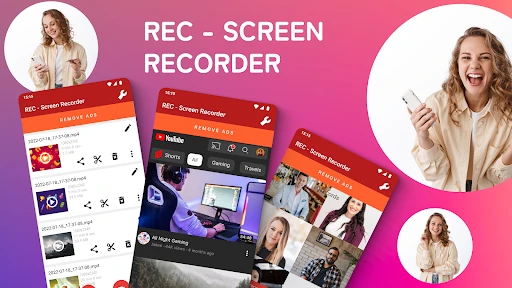
First things first, downloading and setting up REC - Screen | Video Recorder is a breeze. You can find it on the Google Play Store, install it, and you’re good to go. The app has a simple, user-friendly interface that doesn’t overwhelm you with options, yet offers just the right features you’d expect from a screen recording app.
Features You’ll Love
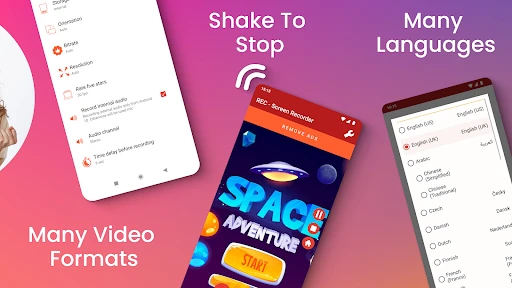
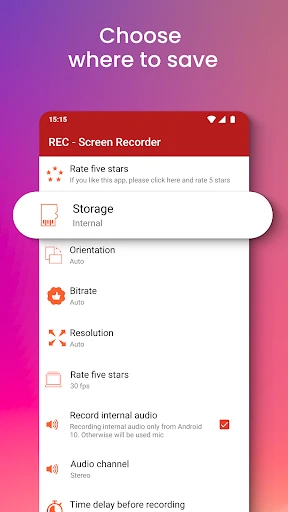
Here’s where REC shines. The app allows you to record your screen in high quality, with various settings to tweak the resolution, frame rate, and bit rate to your liking. Whether you’re capturing a quick video or an extended tutorial, you can set the duration up to one hour, which is more than sufficient for most users.
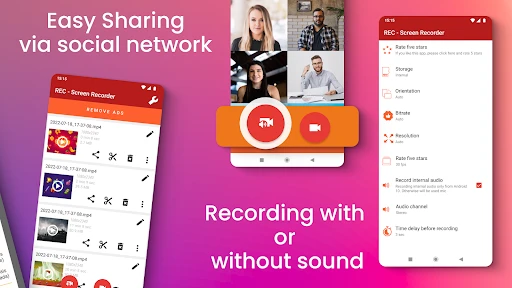
Another fantastic feature is the ability to record audio alongside the video. This is perfect if you’re doing a voiceover for a tutorial or want to capture in-game sounds. Plus, with the countdown timer, you have a few seconds to prepare before the recording starts. Trust me, that's a lifesaver when you’re switching between apps or setting up your screen exactly how you want it.
Intuitive Controls
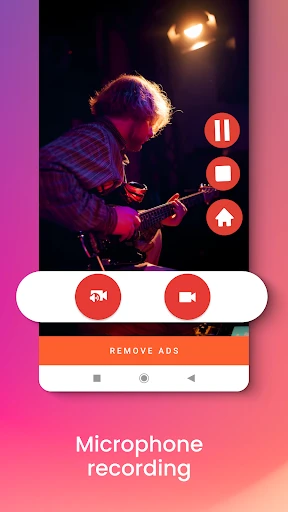
What I really appreciate about REC is its floating widget feature. This means you can control the recording without having to navigate back to the app, which is particularly useful during a gameplay session or a presentation. It’s small details like these that make REC stand out from the crowd.
Sharing Your Creations
Once you've wrapped up your recording masterpiece, sharing it is as easy as pie. REC offers a seamless sharing option directly from the app. Whether you want to upload it to your social media, send it through a messaging app, or just save it to your cloud storage, REC has got you covered.
Final Thoughts
In a world where screen recording apps are a dime a dozen, REC manages to offer a comprehensive yet straightforward package. It’s perfect for anyone from casual users who want to save a quick video to professionals creating detailed tutorials. The app strikes a balance between functionality and simplicity, making it a must-try if you’re in the market for a screen recording solution.
So, if you’re looking to capture your screen with ease, give REC a shot. It’s got all the bells and whistles you’ll need without any unnecessary complications. Happy recording!
- Developer
- ZipoApps
- Version
- 4.6.9
- Installs
- 10,000,000+
- Android Version
- 5.0
- Content Rating
- Everyone
- Price
- Free
- High-quality video recording.
- User-friendly interface.
- No watermark on recordings.
- Supports multiple formats.
- Free to use.
- Contains ads.
- Limited editing features.
- Requires in-app purchases for premium.
- No live streaming option.
- May consume high battery.