Cardboard
Ever wondered what it's like to dive into a world of virtual reality without burning a hole in your pocket? Well, look no further because Google Cardboard might just be the gateway you need. This nifty little app turns your smartphone into a VR device, offering a taste of immersive experiences right from your own home. Let’s take a virtual stroll through its features and see what makes it tick.
Getting Started with Google Cardboard
First things first, setting up Google Cardboard is a breeze. All you need is a Cardboard viewer, which is a simple fold-out viewer, and your smartphone. The app is available on both Android and iOS, so no one’s left out of the fun. Once you download and install the app, it guides you through a quick setup process. Just pop your phone into the viewer, and voila, you're all set to plunge into the VR world.
Exploring the Features
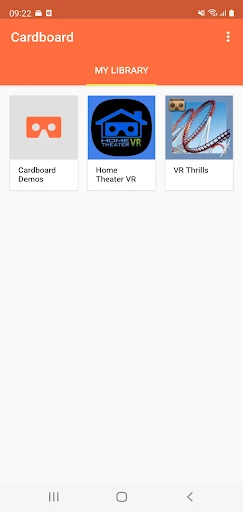
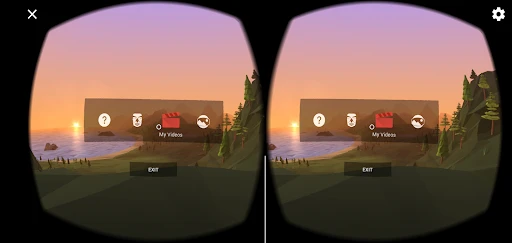
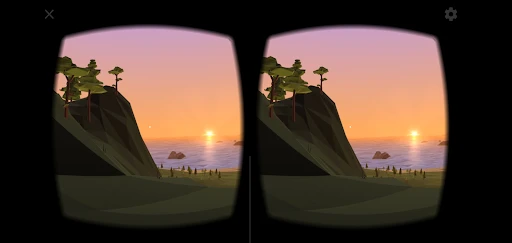
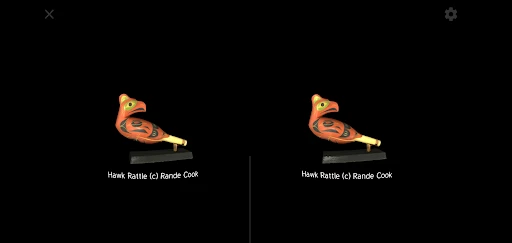
Google Cardboard offers a variety of features that make VR accessible to everyone. One of the coolest things is the library of VR experiences. You can explore cultural landmarks, dive into the depths of the ocean, or even take a tour of the solar system. The app also supports VR games, which, although simple, are quite entertaining. It’s like having a mini theme park right in your living room.
Another neat feature is the ability to watch 360-degree videos. Imagine watching your favorite YouTube videos as if you were right there in the scene. It adds a whole new dimension to video content consumption. Plus, the app’s interface is intuitive and user-friendly, making it easy for anyone to navigate through the various experiences.
My Personal Take
If you ask me, Google Cardboard is a fantastic way to dip your toes into the VR waters without making a big investment. Sure, it’s not as advanced as high-end VR systems, but it gets the job done for casual users. The simplicity of the setup and the range of experiences available make it a must-try. Plus, it’s a great party trick to impress your friends with some virtual reality magic.
On the flip side, the quality of the experience largely depends on your smartphone’s capabilities. Higher resolution phones will obviously offer a better visual treat. Also, prolonged use can be a bit uncomfortable, but hey, that's a small price to pay for a slice of the future, right?
Final Thoughts
In conclusion, if you’re curious about VR and want an affordable way to experience it, Google Cardboard is definitely worth checking out. It's fun, it's accessible, and it opens up a world of possibilities. Just remember, it’s a stepping stone into the VR universe, not the final destination. But for what it offers, it's a neat little package that delivers more than you'd expect. So why not give it a spin and see where your imagination takes you?
- Developer
- Google LLC
- Version
- 3.5
- Installs
- 10,000,000+
- Android Version
- 5.0
- Content Rating
- Everyone
- Price
- Free
- Immersive VR experiences on budget.
- Wide range of compatible apps.
- Easy to set up and use.
- Portable and lightweight design.
- Affordable entry into VR.
- Limited interactivity compared to high-end VR.
- Requires compatible smartphone.
- May cause motion sickness.
- Basic visual quality.
- Limited field of view.