AirPlay
Let's dive right in and talk about AirPlay, Apple's wireless streaming technology that lets you beam your favorite music, videos, and photos from your Apple device to your TV or speakers. As someone who's spent a good chunk of time fiddling with this feature, let me share my thoughts on it.
Getting Started with AirPlay
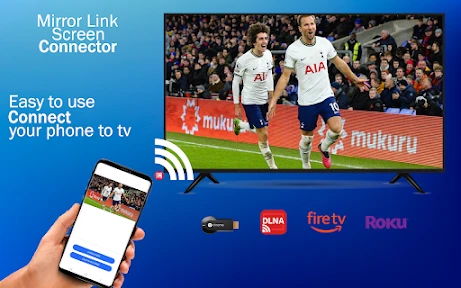
First things first, setting up AirPlay is a breeze. All you need is an Apple device that's connected to the same Wi-Fi network as your AirPlay-compatible device. Whether it's an Apple TV, a smart TV, or a speaker, once you're on the same network, you're good to go. You just swipe up or down depending on your iOS version to access the Control Center, tap on the AirPlay icon, and select your device. Voilà, your content is now on the big screen or blasting through your speakers!
Seamless Streaming Experience
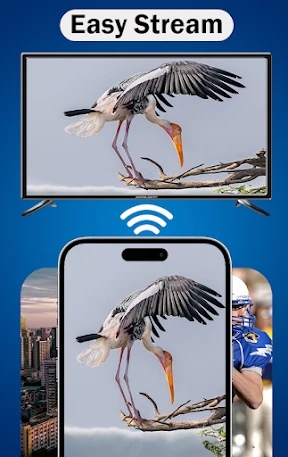
One of the things I absolutely love about AirPlay is its seamless streaming experience. The quality is top-notch, and there's hardly any lag. I've used it to watch movies, listen to podcasts, and even share photos during family gatherings. It's like having a personal cinema or concert right in your living room. The video quality remains crisp, and the audio? Just as impressive. It really enhances the whole viewing and listening experience.
Multi-Room Audio: Your Personal DJ
If you have multiple AirPlay-compatible speakers, you're in for a treat. With AirPlay 2, you can play different songs in different rooms or the same song everywhere. It's like having a personal DJ that caters to everyone's taste in music. I often find myself switching between rooms just to enjoy the different vibes. Whether you want to rock out in the living room or chill with some jazz in the kitchen, AirPlay's got you covered.
Compatibility and Limitations
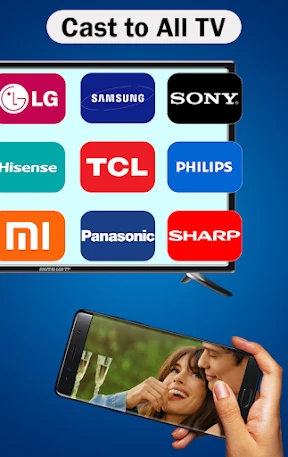
While AirPlay is a fantastic feature, it's worth noting that it's limited to Apple devices. So, if you're an Android user, you're out of luck. However, for Apple enthusiasts, it's a dream come true. The technology is integrated across iOS devices, Macs, and even some third-party devices. The only hiccup I've encountered is with older devices that don't support AirPlay 2, but that's a minor issue considering the overall experience.
Another thing to keep in mind is that AirPlay requires a stable Wi-Fi connection. If your network is spotty, you might experience some hiccups in streaming. But with a solid connection, it's smooth sailing all the way.
Final Thoughts: A Must-Have for Apple Users
In conclusion, if you're an Apple user, AirPlay is definitely a feature you should be using. It enhances your multimedia experience and offers a level of convenience that's hard to beat. Whether you're projecting a presentation, sharing family photos, or just kicking back with some tunes, AirPlay makes it all so much easier and enjoyable. So, if you haven't tried it yet, give it a shot. Trust me, you won't be disappointed.
- Developer
- Boss Inc
- Version
- 35.0
- Installs
- 1,000,000+
- Android Version
- 6.0
- Content Rating
- Everyone
- Price
- Free
- Seamless integration with Apple devices.
- High-quality audio and video streaming.
- User-friendly and intuitive interface.
- Supports multi-device connectivity.
- Minimal latency during streaming.
- Limited to Apple ecosystem.
- Requires strong Wi-Fi connection.
- Not available on all devices.
- Can be battery-intensive.
- Occasional connectivity issues.