AirReceiver AirPlay Cast DLNA
Hey there, tech enthusiasts! Have you ever found yourself wishing you could seamlessly stream content from your Apple devices to your TV? Well, let me introduce you to AirReceiver AirPlay Cast DLNA, a nifty app that promises to bridge the gap between your Apple ecosystem and other media devices. Let’s dive into what this app offers and whether it lives up to its claims.
What is AirReceiver AirPlay Cast DLNA?
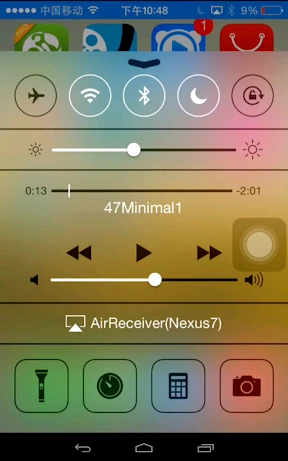
In simple terms, AirReceiver is like a Swiss army knife for media streaming. It’s an all-in-one solution that supports AirPlay, Google Cast, and DLNA, making it incredibly versatile for streaming music, videos, and even mirroring your screen. Imagine sitting on your couch and effortlessly casting your favorite tunes or movies from your iPhone to your TV without a hitch!
Setting Up the Magic
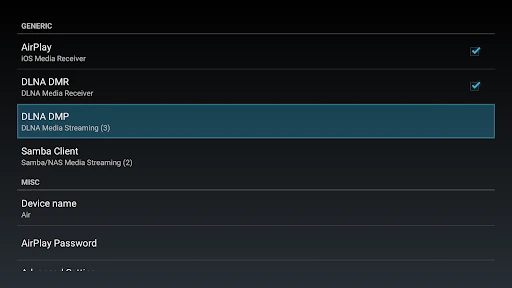
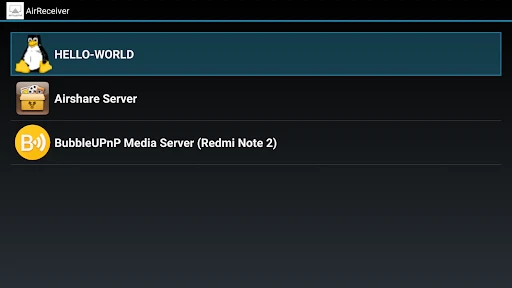
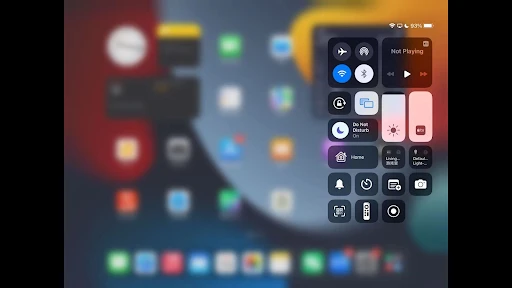
Getting started with AirReceiver is as easy as pie. Once you download and install the app on your device, it’s a matter of connecting your devices to the same Wi-Fi network. The user interface is pretty straightforward, which is a big plus for those who aren’t too tech-savvy. You don’t have to fumble through endless settings—just a few taps, and you’re good to go!
Performance and Usability
Now, let’s talk about what really matters—performance. In my experience, AirReceiver does a fantastic job at maintaining a stable connection. Whether I was streaming high-definition movies or just playing some music, the app delivered without any noticeable lag. The streaming quality was top-notch, and the audio-visual sync was spot on, which is a critical factor for any streaming app.
One of the standout features is its support for multiple protocols. This means you can use it with a variety of devices, not just limited to Apple products. It’s perfect for a household with mixed device ecosystems. Plus, the app runs quietly in the background, so you won’t even notice it’s there once you set it up.
A Few Hiccups
Of course, no app is without its quirks. While AirReceiver excels in many areas, I did encounter the occasional disconnect, which required a quick restart of the app. It’s not a deal-breaker by any means, but it’s something to be aware of. Also, while the app offers a plethora of features, the lack of advanced customization options might be a downside for power users looking to tweak every setting to perfection.
Is It Worth It?
So, should you give AirReceiver a shot? If you’re looking for a simple, effective way to integrate your Apple devices with other media players, I’d say yes. The app is affordable, easy to use, and delivers on its promise of seamless streaming. Just remember to keep your expectations in check if you’re hoping for extensive customization options.
All in all, AirReceiver AirPlay Cast DLNA is a solid choice for anyone wanting to enhance their streaming experience without breaking the bank. It’s not perfect, but it’s pretty darn close for the price you pay. Happy streaming!
- Developer
- softmedia
- Version
- 5.1.3
- Installs
- 100,000+
- Android Version
- 5.0
- Content Rating
- Everyone
- Price
- $2.99
- Seamless streaming integration.
- Supports multiple protocols.
- User-friendly interface.
- Low resource consumption.
- High compatibility with devices.
- Occasional connectivity issues.
- Limited free version features.
- No support for 4K streaming.
- Some UI elements feel outdated.
- Requires stable network connection.