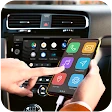
Mirror link car connector
Have you ever found yourself fumbling with your phone while trying to navigate, play music, or simply stay connected on the road? If so, the Mirror Link Car Connector app might just be the lifesaver you didn’t know you needed. It’s like having a personal assistant right in your dashboard, seamlessly linking your smartphone to your car’s infotainment system. But, does it really live up to the hype? I took it for a spin to find out.
Getting Started with Mirror Link
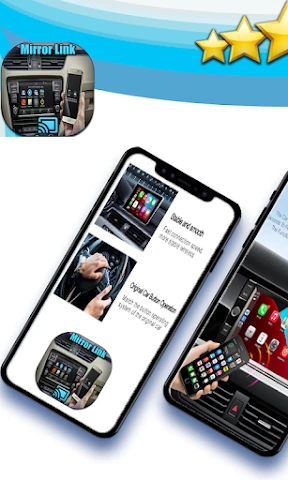
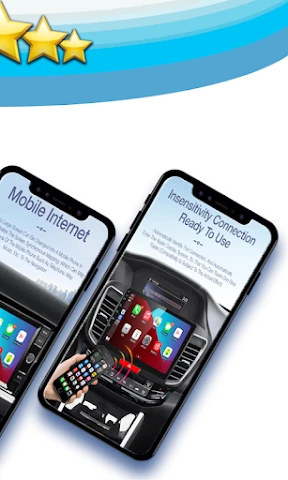
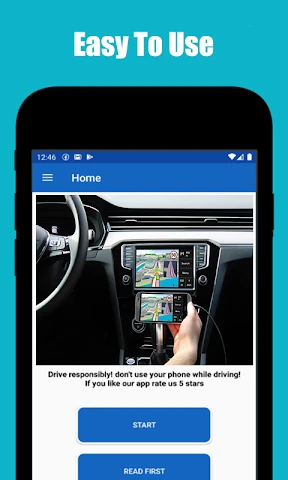
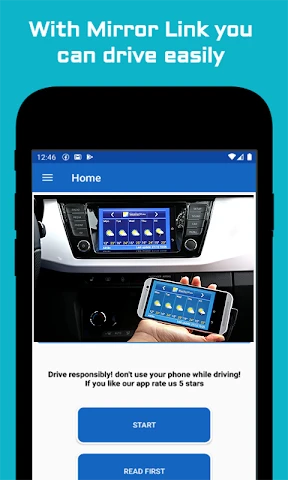
First things first, setting up Mirror Link Car Connector is a breeze. Simply download the app from the App Store or Google Play Store, and you’re halfway there. Once installed, connect your phone to your car via a USB cable or, if your car supports it, wirelessly. The app takes over from there, mirroring your smartphone’s interface onto the car’s screen. Talk about convenience!
Features That Stand Out
Mirror Link is not just about flashing your phone’s screen on a bigger display. No, it’s much more than that. The app supports a variety of functions like GPS navigation, music streaming, and even hands-free calling. I found the navigation feature particularly useful. With real-time traffic updates and voice-activated controls, it’s like having a co-pilot who never gets tired.
Music lovers will appreciate the seamless integration with popular streaming services. Whether you’re into Spotify, Apple Music, or any other service, controlling your tunes without taking your eyes off the road is a real game-changer. Plus, the sound quality through the car’s speakers is nothing short of impressive.
User Experience
One thing I absolutely loved about Mirror Link is its user-friendly interface. It’s intuitive and doesn’t require a steep learning curve. Even if you’re not tech-savvy, you’ll find it easy to navigate. The icons are big and bold, making them easy to tap even when you’re on the move.
However, I did notice a slight lag when switching between apps. It’s not a deal-breaker, but definitely something to be mindful of during those moments when you need to switch quickly between navigation and music apps. On the bright side, I didn’t experience any crashes or major bugs during my time with the app.
Is It Worth the Download?
So, is the Mirror Link Car Connector worth your precious phone storage space? I’d say yes, especially if you’re someone who spends a lot of time driving. The convenience of having all your phone’s capabilities mirrored right on your car’s display is something that once you have, you can’t imagine living without.
Overall, the app delivers on its promise of connecting your digital life with your drive in a meaningful way. Sure, there are minor hiccups, but they are few and far between. If you’re looking for a way to make your journeys smoother and more enjoyable, give Mirror Link a try. It might just become your new favorite travel companion.
In conclusion, while Mirror Link Car Connector may not be perfect, its advantages far outweigh its flaws, making it a must-have for modern drivers looking to enhance their driving experience. So, next time you hit the road, let Mirror Link guide the way.
- Developer
- FastSoft
- Version
- 110.0
- Installs
- 1,000,000+
- Android Version
- 7.0
- Content Rating
- Everyone
- Price
- Free
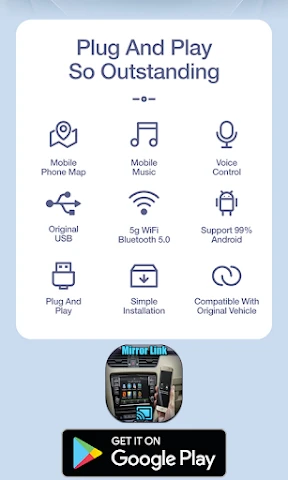
- Easy setup process via Bluetooth or USB.
- Compatible with most Android and iOS devices.
- Smooth interface with minimal lag.
- Supports voice commands for ease of use.
- Enhances driving experience with navigation.
- Limited app support compared to competitors.
- Some connectivity issues in older cars.
- Doesn't support video streaming apps.
- Requires frequent updates for stability.
- Consumes significant smartphone battery.