Google Lens
Discovering the Magic of Google Lens
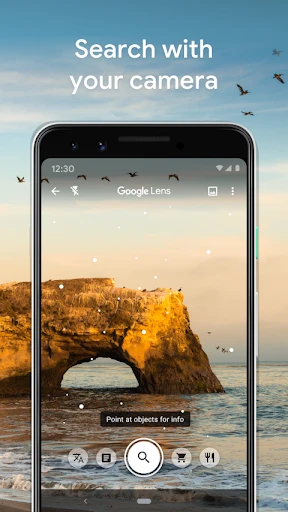
If you’ve ever wished your phone’s camera could do more than just capture memories, then Google Lens is about to become your new best friend. Trust me, this app is like having a swiss army knife in your pocket, but for information. Whether you’re an Android aficionado or an iOS devotee, Google Lens turns your device into a supercharged tool for exploring the world around you.
Snap and Learn: A Whole New Way to Search
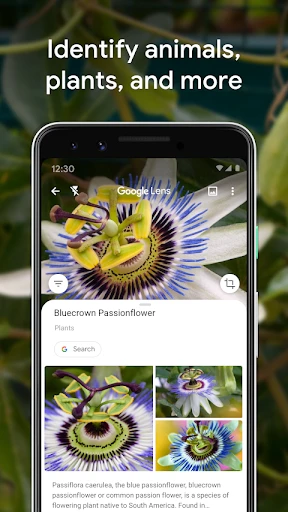
Picture this: you're strolling through a park, and you spot a beautiful flower that you just can’t name. Instead of awkwardly typing descriptions into a search engine, just whip out your phone, open Google Lens, and snap a picture. Within seconds, you’ll have all the info you need about your mystery plant. It’s like having a botanist at your fingertips!
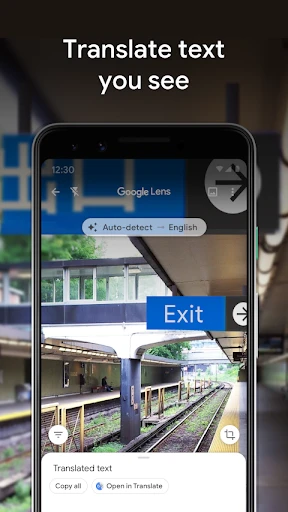
And it doesn’t stop there. Google Lens is a powerhouse for identifying landmarks, animals, and even translating text on-the-go. I remember pointing my camera at a menu written in French and watching the text transform into English right before my eyes. It’s almost like magic.
Shopping Made Effortless
Ever seen someone wearing shoes you absolutely adore but have no clue where to find them? Google Lens has your back. Simply take a photo, and it will scour the internet to find you the exact item or something similar. It’s shopping in the 21st century, and frankly, I’m here for it!
The app also provides price comparisons and customer reviews, so you’re not just impulse buying. You can make informed decisions without hopping from one online store to another. Talk about a time saver!
Text and Organization: Your Personal Assistant
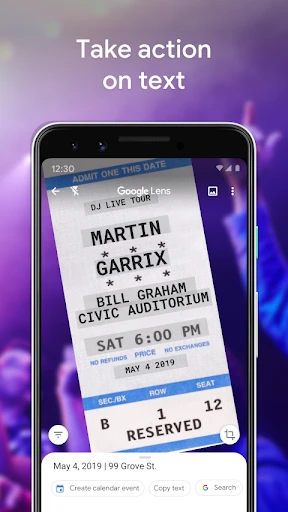
Google Lens isn’t just about identifying objects or translating text; it’s also a fantastic tool for organizing information. Imagine you’re at a meeting and need to quickly capture notes from a whiteboard. Just snap a picture, and Lens will save the text for you. It’s like having a personal assistant who never complains about overtime.
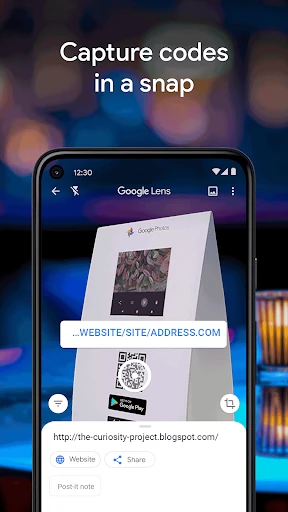
You can also use it to scan QR codes, copy text from documents, and even add events to your calendar directly from a poster or flyer. It’s as if Google Lens is whispering, “Don’t worry, I’ve got this,” every time you need to streamline your tasks.
Conclusion: A Must-Have in Your App Arsenal
So, what’s the final verdict? If you’re someone who loves blending technology with everyday life, Google Lens is a no-brainer. It’s versatile, intuitive, and best of all, it’s free! Whether you’re using it for education, shopping, or just satisfying your curiosity, this app delivers on all fronts.
The next time you find yourself wondering about the world around you, remember that the answer is just a click away. With Google Lens, your smartphone becomes a portal to endless possibilities. So go ahead, give it a try, and see for yourself how it can transform the ordinary into the extraordinary.
- Developer
- Google LLC
- Version
- Varies With Device
- Installs
- 1,000,000,000+
- Android Version
- 6.0
- Content Rating
- Everyone
- Price
- Free
- Accurate text recognition capabilities.
- Integrates seamlessly with Google apps.
- Can identify a wide range of objects.
- Helpful for translating text instantly.
- User-friendly interface and navigation.
- Requires a stable internet connection.
- Privacy concerns with data usage.
- Limited offline functionality.
- May misidentify less common objects.
- Drains battery with prolonged use.