Parental Control App- FamiSafe
A First Look at FamiSafe: Is It the Right Fit for Your Family?
Hey there, fellow parents! Navigating the digital world with our kids can sometimes feel like an uphill battle. That’s where FamiSafe comes in, offering a helping hand to keep our kiddos safe online. So, I decided to take a deep dive into this parental control app, and here’s the scoop.
Getting Started: Easy Peasy Setup!
The first thing I noticed about FamiSafe is how straightforward it is to set up. Even if you’re not super tech-savvy, FamiSafe guides you through the process with simple, easy-to-follow instructions. Within minutes, I had it running on both my device and my kid’s. The compatibility is pretty wide too, covering both Android and iOS devices, which is a big plus.
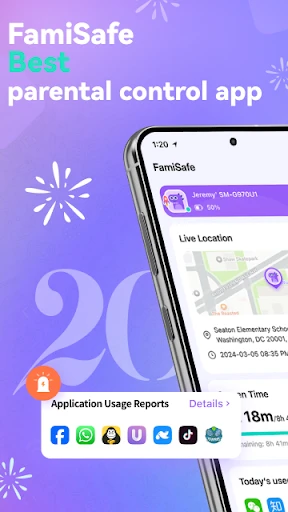
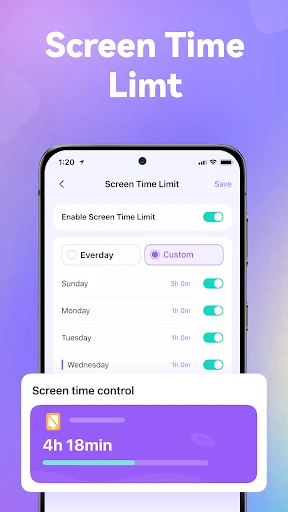
Once installed, you can access the parental dashboard, which is like mission control for all things kid-related. Here, you can manage all connected devices, set up screen time limits, and monitor online activity. It’s like having a digital babysitter, but with way more control!
Features That Stand Out
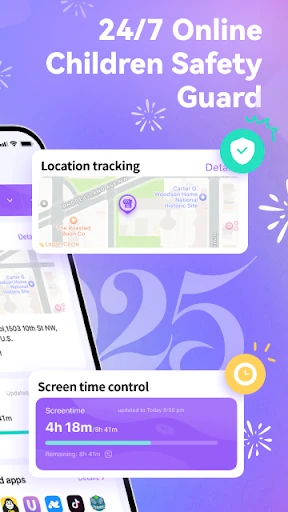
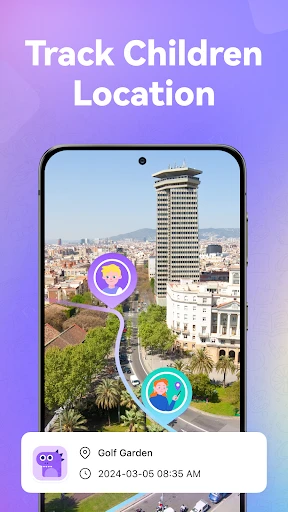
Alright, let’s talk features. FamiSafe is loaded with tools designed to give you peace of mind. One of my favorites is the real-time location tracking. It’s super handy for those moments when my teenager decides to "forget" to text me where they are. I can just check the app and boom, I know exactly where they’ve been hanging out.
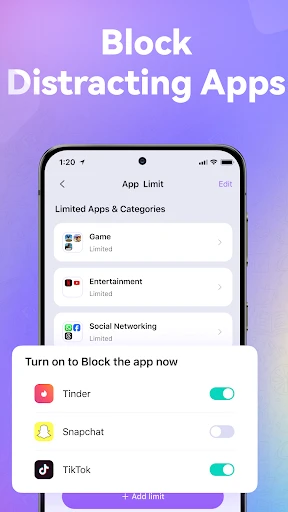
Another feature that’s a game-changer is the app blocking and activity report. You can see exactly which apps your kids are spending time on and block any that you think aren’t appropriate. Plus, the screen time feature allows you to set healthy boundaries, ensuring your kids don’t turn into screen zombies.
Web Content Filtering and Alerts
FamiSafe also offers web content filtering, which is crucial in today’s internet landscape. It automatically blocks websites that fall under categories you deem inappropriate. The best part is, you get alerts if your child tries to access something they shouldn’t, so you’re always in the loop.
Driving Report for Teen Safety
If you have a teen who’s just started driving, this feature is a lifesaver. The driving report provides insights into their driving habits, like speeding and hard braking. It’s a great way to start conversations about safe driving without sounding like a nagging parent.
Is FamiSafe Worth It?
So, after spending some time poking around this app, I can genuinely say FamiSafe is a solid choice for parents looking to keep their children safe online. It’s user-friendly, packed with useful features, and does exactly what it promises. It’s like having an extra pair of eyes watching over your kids’ digital adventures.
If peace of mind is what you’re after, FamiSafe delivers it in spades. Sure, no app is perfect, but this one comes pretty darn close. It’s definitely worth checking out if you’re in the market for a reliable parental control app. Happy parenting!
- Developer
- Shenzhen Wondershare Software Co., Ltd.
- Version
- 8.2.22.0519
- Installs
- 5,000,000+
- Android Version
- 5.0
- Content Rating
- Everyone
- Price
- Free
- Easy setup with user-friendly interface.
- Real-time location tracking for child safety.
- App blocking and screen time management.
- Comprehensive web content filtering.
- Supports multiple devices for one account.
- Premium features require subscription.
- May drain device battery quickly.
- Occasional false alerts on activity.
- Limited features on free version.
- Requires internet for full functionality.