
AI Video Generator - Clips AI
Ever stumbled upon a moment in your life and thought, "Wow, this would make an epic video!" but then immediately got overwhelmed by the idea of shooting, editing, and all that jazz? Well, let me introduce you to a nifty little app that’s got your back: AI Video Generator - Clips AI. Now, I’ve spent some quality time poking around this app, and let me tell you, it’s like having a mini Spielberg in your pocket.
Getting Started with Clips AI
First things first, downloading and setting up Clips AI is as breezy as a summer afternoon. Available for both Android and iOS, it gets you rolling with just a few taps. Once you’ve got it on your device, the interface greets you with a clean and intuitive design. No clutter, no fuss—just straightforward options to dive into video creation.
The Magic of AI
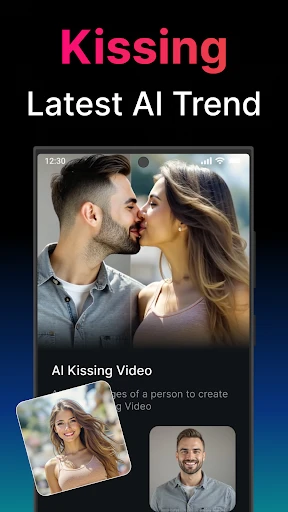
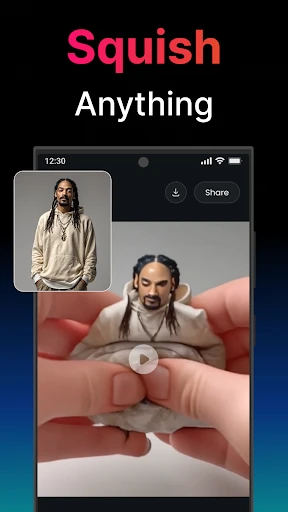
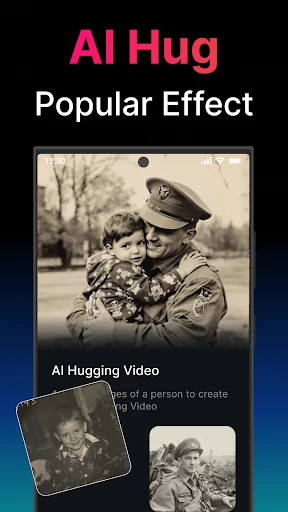
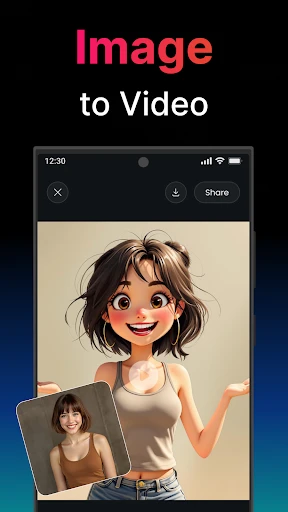
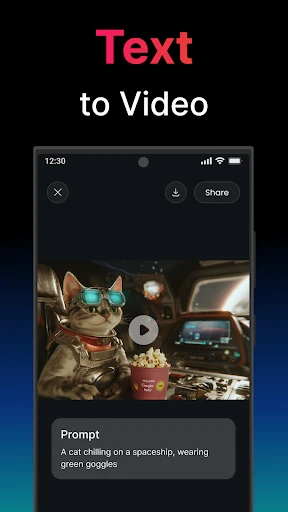
What sets Clips AI apart from the rest of the video-editing herd is its stellar use of artificial intelligence. Imagine selecting a batch of photos or short clips from your gallery, and the app stitches them together with transitions, effects, and even music. It’s like the app reads your mind and knows exactly what you’re envisioning for your video. And if you’re feeling a bit more hands-on, there’s also the option to tweak the AI’s suggestions, giving you the perfect balance of automation and creativity.
Features That Shine
Auto-Editing: The AI takes the wheel here, letting you sit back and watch as your content magically transforms into a polished video.
Customizable Templates: Choose from a range of themes that suit every occasion, from birthdays to beach days.
Music and Voiceover: Add tracks from the app’s library or your own collection. Plus, you can record voiceovers directly within the app.
Share with Ease: With one tap, you can share your creations directly to social media platforms or save them to your device.
Performance and Usability
In terms of performance, Clips AI runs smoothly, even on older devices. I didn’t encounter any lag or crashes, which is a huge plus when you’re dealing with video files. The usability is top-notch too. I found the controls to be very responsive, and the learning curve is practically non-existent. Even if you’re a complete newbie to video editing, this app holds your hand gently through the process.
Final Thoughts
So, what’s the verdict on AI Video Generator - Clips AI? In my book, it’s a definite download. Whether you’re an aspiring vlogger, a social media enthusiast, or just someone who wants to spice up their photo album with some dynamic video content, this app delivers. It’s user-friendly, efficient, and offers just the right amount of creative freedom. Plus, who doesn’t love a little AI magic making their lives easier?
All things considered, Clips AI is a solid tool for anyone looking to dive into the world of video creation without the hefty commitment of learning complex software. Give it a whirl and unleash your inner filmmaker!
- Developer
- UNIVERLIST TEKNOLOJI SAN. VE TIC. AS.
- Version
- 2.6.34
- Installs
- 1,000,000+
- Android Version
- 9
- Content Rating
- Everyone
- Price
- Free
- Intuitive user interface
- High-quality video output
- Multiple language support
- Quick processing time
- Variety of editing tools
- Requires high-end device
- Limited free features
- Occasional bugs
- Watermark on free version
- Subscription is pricey