Tracker Detect (Anti-Stalking)
Ever been in one of those situations where you feel like someone might be keeping tabs on you without your knowledge? Yeah, creepy, right? Well, that’s where Tracker Detect swoops in like a superhero! This app is all about ensuring your peace of mind by helping you detect any unwanted tracking devices near you. Let’s dive into what makes this app tick and if it really lives up to the hype.
What’s Cooking with Tracker Detect?
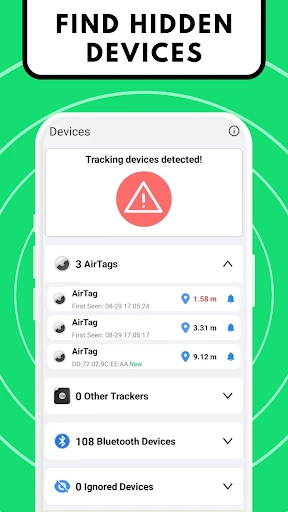
First things first, Tracker Detect is available on both Android and iOS, which is a huge plus because, let’s be honest, not everyone is on the same team when it comes to smartphones. The app is designed to sniff out any Bluetooth tracking devices that aren’t supposed to be tailing you. Think of it as your digital watchdog, always ready to bark at suspicious activity.
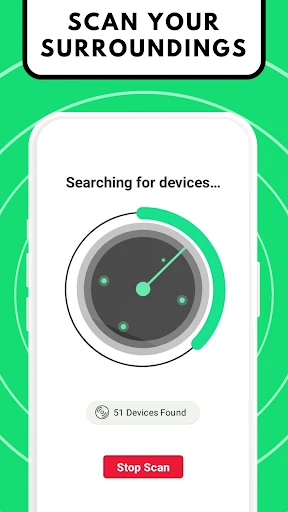
Once you’ve got it installed, using the app is pretty straightforward. It scans for unknown devices and notifies you if it finds something fishy. What’s cool is that you don’t need to be a tech wizard to navigate through the app's features. It's super user-friendly and gets right to the point without bombarding you with unnecessary tech jargon.
The Nitty-Gritty Details
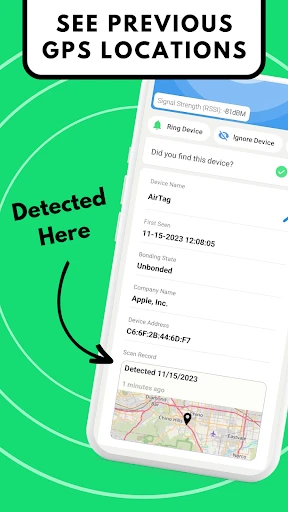
Let’s get down to the brass tacks. The app works by leveraging the Bluetooth capabilities of your phone. It detects devices like AirTags or other similar Bluetooth trackers. So, if someone’s trying to slip an AirTag into your bag to keep track of you, Tracker Detect will raise the alarm. However, a little heads-up: the app needs to be open for it to scan actively. So, it’s not exactly a ‘set and forget’ deal.
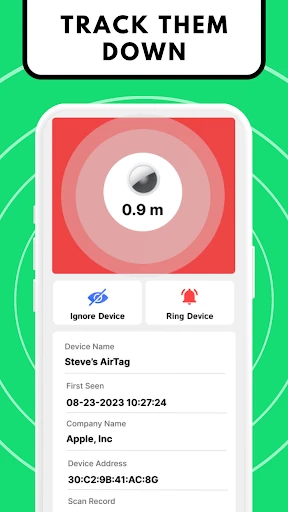
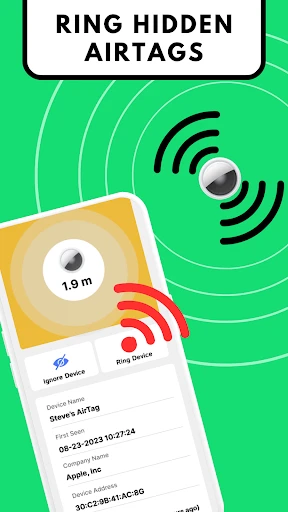
Another thing to note is that Tracker Detect doesn’t automatically remove or disable the tracking device. It simply alerts you of its presence. So, while it’s a great tool for detection, you’ll still need to take action to remove or disable the tracker.
Is It Really Worth It?
Now, the million-dollar question: Should you download Tracker Detect? Well, if privacy is a top priority for you, this app is a fantastic addition to your digital toolkit. It’s like having a personal security guard who never sleeps. Plus, the peace of mind knowing that you have a layer of protection against unwanted tracking is priceless.
While it may not be perfect, especially with the need to keep the app running for continuous scanning, it’s definitely a step in the right direction for those concerned about their privacy. Plus, it’s free, so there’s really nothing to lose by giving it a spin!
Final Thoughts
In a world where privacy is becoming increasingly elusive, apps like Tracker Detect are essential. They provide that extra layer of security and assurance that we all crave. Whether you’re a tech-savvy individual or someone who just wants to stay safe, this app is a must-try.
So, go ahead and give Tracker Detect a whirl. It might just be the guardian angel you never knew you needed. Stay safe out there!
- Developer
- Tag Tracker LLC
- Version
- 7.6.4
- Installs
- 100,000+
- Android Version
- 5.0
- Content Rating
- Everyone
- Price
- $19.99
- Detects hidden tracking devices
- User-friendly interface
- Works with various device brands
- Provides real-time alerts
- Enhances personal security
- Limited to Bluetooth devices
- Requires constant internet connection
- May drain battery quickly
- Occasional false positives
- Subscription required for full features