Private Photo Vault - Keepsafe
Unlocking Privacy: My Experience with Private Photo Vault - Keepsafe
Hey there, fellow privacy enthusiasts! If you're anything like me, you probably have a bunch of photos on your phone that you'd rather keep away from prying eyes. Enter Private Photo Vault - Keepsafe, the app that's all about keeping your personal pics just that—personal. I've been using this app for a while now, and I'm here to spill the beans on what it's all about. So, grab a coffee, sit back, and let's dive into the world of digital privacy.
Setting Up: Easier Than Pie
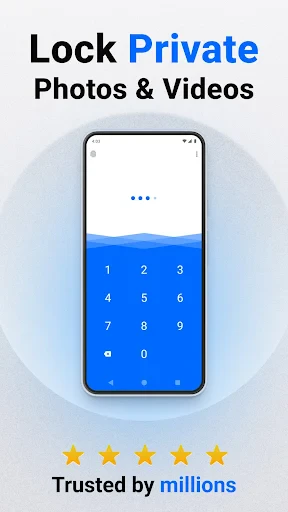
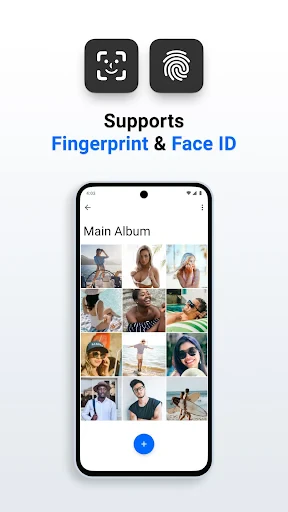
Getting started with Keepsafe is a breeze. Once you download the app, you're greeted with a straightforward setup process. Just a few taps, and you're ready to go. You can choose between a PIN, fingerprint, or even a Face ID lock. Talk about options! I personally went with the fingerprint because, let's be real, it's the coolest way to unlock anything.
After the initial setup, you can start importing photos and videos from your gallery. The app promises to keep them safe behind a digital vault, and it delivers. I tested it out by importing some random selfies and vacation photos, and they were quickly tucked away, invisible from my regular gallery app. Just knowing that my private moments are safely locked away gives me peace of mind.
Features That Make a Difference
The app isn’t just about hiding photos; it’s packed with features that make it stand out. One of my favorites is the break-in alerts. If someone tries to access your vault and gets the PIN wrong, the app snaps a photo of the intruder. How cool is that? It's like having a little detective in your phone.
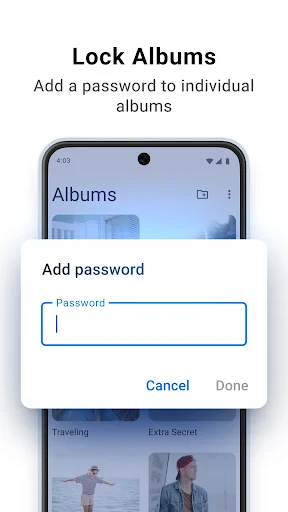
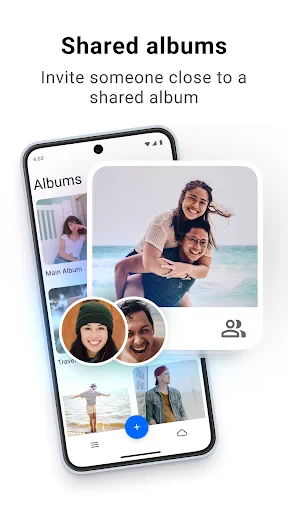
Another feature worth mentioning is the album organization. You can create albums within the app, making it super easy to categorize your photos. I have an album for memes, another for family pics, and one for screenshots I need to keep handy. It’s all very intuitive.
Plus, Keepsafe offers a cloud backup option. This means you can access your photos from any device if you ever lose your phone. I haven't had to use this feature yet, but it's nice to know it's there, just in case.
User Experience: Smooth Sailing
Using Keepsafe is as smooth as butter. The interface is clean and user-friendly, which I appreciate. There's nothing worse than a cluttered app, right? Navigating through my photo albums was a breeze, and the app runs without a hitch. I haven't experienced any bugs or crashes, which is always a plus.
The app offers a premium version, but honestly, the free version is pretty robust. You get most of the essential features without having to spend a dime. But if you're looking for additional storage or ad-free experience, the premium option is available.
Final Thoughts: A Keeper for Sure
In a world where privacy is becoming increasingly important, Private Photo Vault - Keepsafe is a must-have app for anyone looking to keep their personal photos secure. It's easy to use, packed with useful features, and offers peace of mind knowing your pics are safe from snoopers.
If you’re on the fence about downloading it, I say give it a shot. Whether you're protecting sensitive work documents or just some silly selfies, Keepsafe has got you covered. After all, who doesn't want a little extra privacy in their digital life?
So, go ahead and check it out. Your secret photo stash will thank you!
- Developer
- Keepsafe
- Version
- 13.12.1
- Installs
- 50,000,000+
- Android Version
- 5.1
- Content Rating
- Everyone
- Price
- Free
- User-friendly interface with intuitive navigation.
- Advanced encryption for maximum photo security.
- Backup options to cloud for data safety.
- Supports various media types beyond photos.
- Customizable albums for better organization.
- Limited features in free version.
- Occasional ads can be intrusive.
- Requires registration for cloud backup.
- May take time to import large photo libraries.
- Some users report app crashes on older devices.