Private Maps by MapQuest
Did you ever find yourself in a situation where Google Maps just doesn't cut it? Maybe you're looking for something a bit more personalized, a bit more private? Enter Private Maps by MapQuest, an app that promises to change the way you navigate through your world, with a twist of privacy and personalization. Let me take you through my journey with this nifty app.
Getting Started with Private Maps
First things first, downloading Private Maps from the App Store or Google Play was a breeze. The app is lightweight, which is always a bonus when your phone is screaming for more storage space. Once installed, the interface greets you with a clean and straightforward layout. None of those annoying pop-ups or confusing menus—just simple, user-friendly design. I was up and running in no time!
Features that Stand Out
So, what makes Private Maps stand out from the pack? For starters, it offers offline map access, which is a lifesaver if you’re traveling in areas with spotty internet coverage. Trust me, there’s nothing worse than being stuck in the middle of nowhere with no signal and no map.
Another feature that caught my eye is the customizable map interface. You can tweak the map settings to show only the details you care about, like traffic conditions or bike paths. This level of personalization is something I didn’t realize I needed until I had it.
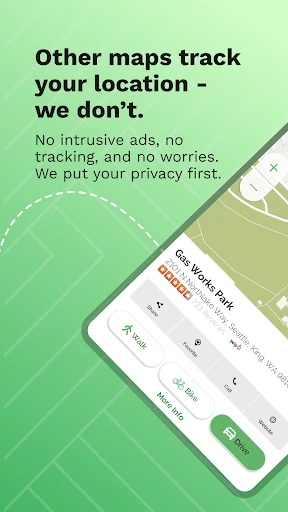
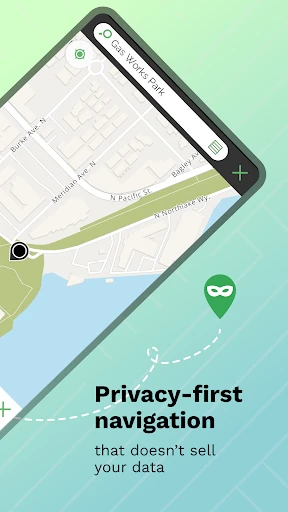
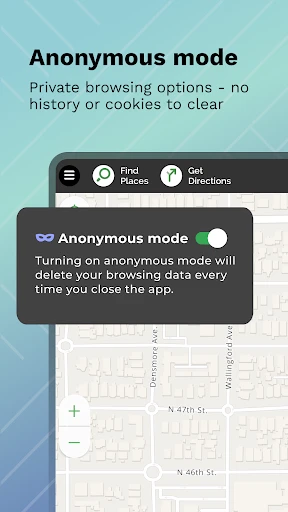
And let’s talk about privacy. In an era where data is the new oil, knowing that my location data isn't being sold to the highest bidder is a relief. MapQuest ensures your travel data stays private, making it a go-to for privacy-conscious individuals.
The Navigation Experience
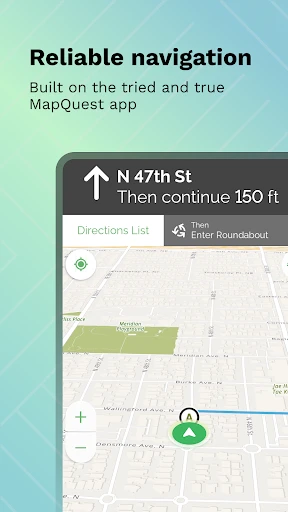
On the road, Private Maps doesn’t disappoint. The navigation is smooth, with timely updates and rerouting options in case you miss a turn (not that I ever do, of course!). The voice-guided directions are clear and don’t sound like a robot from a 90s sci-fi flick, which is always a plus in my book.
One feature I particularly enjoyed is the “Explore Nearby” option. It’s perfect for when you're in a new city and want to discover local gems without having to Google every little thing. I found a quaint little café I wouldn’t have noticed otherwise!
Room for Improvement
No app is perfect, right? While Private Maps excels in many areas, I did notice a few hiccups. Occasionally, the app took a few extra seconds to load certain features, which might be a dealbreaker for those in a rush. Also, while the map customization is a fantastic feature, it could be a bit more intuitive to set up for first-time users.
Lastly, for those who are fans of public transport, the app's integration with transit schedules is somewhat limited. It's something to keep in mind if you rely heavily on buses and trains for your daily commute.
Final Thoughts
All in all, Private Maps by MapQuest is a solid choice for anyone looking to keep their navigation private and personalized. It offers a refreshing alternative to the big-name map apps, with features that cater to both casual users and privacy enthusiasts. While it has its minor quirks, the positives far outweigh the negatives. So, if you're in the market for a new navigation app that respects your privacy, give Private Maps a whirl. You might just find your new favorite travel companion!
- Developer
- MapQuest
- Version
- 1.1.25
- Installs
- 10,000+
- Android Version
- 7.0
- Content Rating
- Everyone
- Price
- Free
- High accuracy in location tracking.
- User-friendly interface design.
- Offline map availability.
- Real-time traffic updates.
- Customizable map views.
- Limited voice navigation features.
- Subscription required for premium features.
- Occasional slow loading times.
- Limited international map coverage.
- Ads in free version can be intrusive.