MEGA
Ever found yourself in need of some serious cloud storage space but not wanting to break the bank? Well, let me introduce you to MEGA, a cloud storage service that seems to understand the term 'generous.' I've been using it for a while, and here's what I think about this digital space provider.
Getting Started with MEGA
First off, MEGA is pretty straightforward when it comes to signing up. With just an email and password, you’re good to go. What struck me was the free 20GB storage you get right off the bat. It’s not often you see that kind of offer without having to hand over your credit card details.
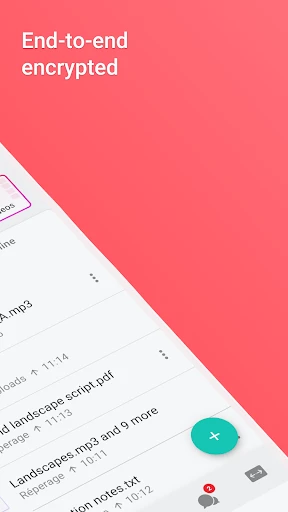
Now, for those who are privacy-conscious, MEGA boasts end-to-end encryption. This means that your files are safe from prying eyes, even from MEGA itself. It’s like having your own secure vault in the cloud. I found the peace of mind this brings quite comforting, especially in today’s world where data breaches are all too common.
Features that Stand Out
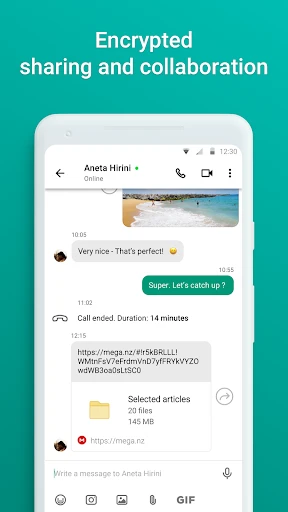
One of the standout features of MEGA is its file sharing capabilities. You can share files with a link and even set a password for added security. I often collaborate on projects, and this feature has been a lifesaver. No more worrying about large email attachments!
There’s also the MEGA Sync tool, which I found very handy for keeping files up-to-date across multiple devices. Whether on my phone or laptop, my files are always within reach and in sync. It’s almost like having my personal assistant managing my files.
Mobility and Accessibility
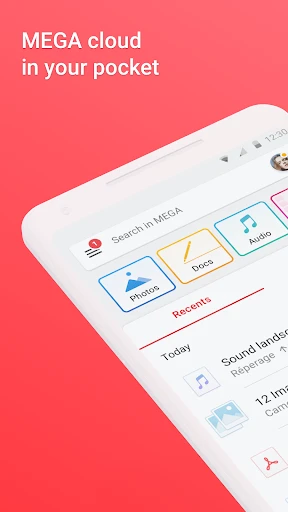
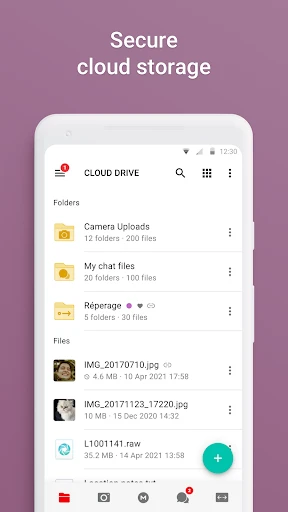
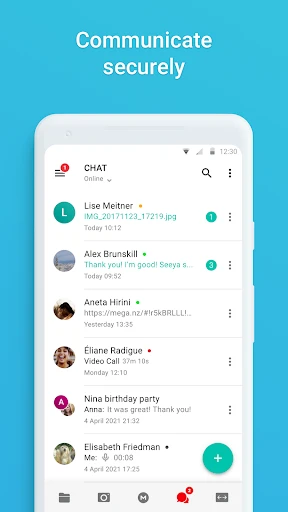
The MEGA app is available on both Android and iOS, and honestly, it runs quite smoothly. I appreciate the user-friendly interface which doesn't overwhelm you with too many options. Everything is neatly organized, making file management on-the-go a breeze.
I’ve also noticed that the upload and download speeds are pretty impressive, even with larger files. It’s not just about storing files, but accessing them without frustrating delays, and MEGA seems to have nailed this aspect.
Final Thoughts
All in all, MEGA is a robust cloud storage option, especially if you’re looking for something secure and generous with its free storage. Whether you’re a student needing to store tons of study materials or a professional dealing with large files, MEGA has got you covered.
While there are premium plans available, the free offering is quite substantial, making it accessible to everyone. So, if you’re on the lookout for a reliable cloud storage solution, MEGA might just be the answer.
- Developer
- Mega Ltd
- Version
- Varies With Device
- Installs
- 100,000,000+
- Android Version
- Varies With Device
- Content Rating
- Everyone
- Price
- Free
- Generous free storage space available.
- End-to-end encryption for enhanced security.
- Cross-platform sync for accessibility.
- User-friendly interface and design.
- Regular updates and improvements.
- Limited customer support options.
- Requires stable internet connection.
- Free tier has bandwidth limits.
- Occasional sync delays reported.
- Some features locked behind paywall.