Car play/Android Auto Sync
Revving Up Your Ride with CarPlay and Android Auto Sync
Hey there, fellow road warriors! If you're anything like me, you understand the struggle of juggling between your phone and the steering wheel. Enter CarPlay and Android Auto Sync – the ultimate driving companions that make multitasking on the road a breeze. Let me take you on a joy ride through my experience with these apps, and why I think they're absolute game-changers for any modern driver.
Setting Up: A Smooth Start
Getting started with CarPlay and Android Auto Sync was as smooth as butter. All I needed was a compatible car and my trusty smartphone. For iPhone users, CarPlay syncs seamlessly with your device once you plug it in or connect wirelessly (if your car supports it). Android folks, don't worry – Android Auto has your back with a similar setup. Just download the app, connect your phone via USB or Bluetooth, and voila! You're all set.
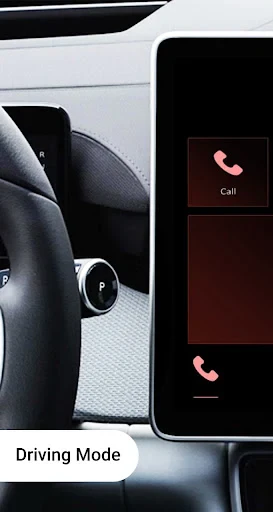
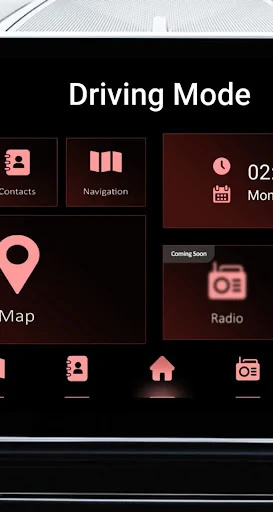
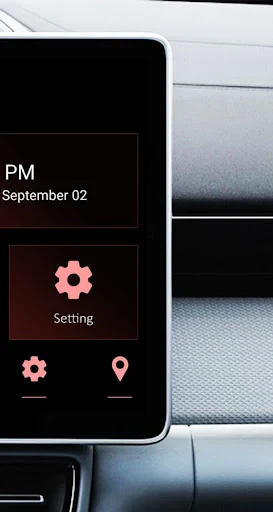
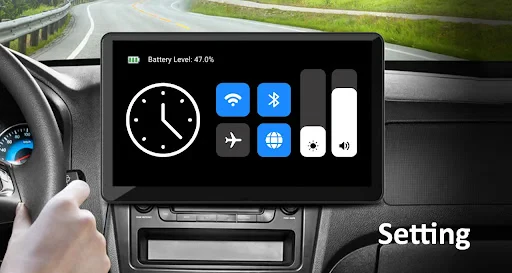
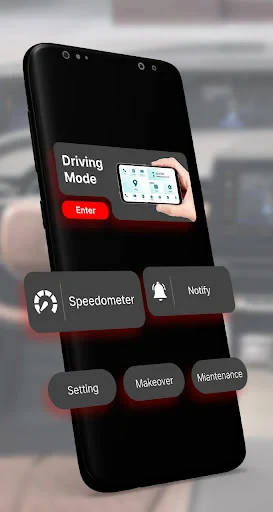
The interface on both platforms is intuitive, offering a familiar smartphone-like experience right on your dashboard. I was pleasantly surprised at how easy it was to access my favorite apps like Spotify, Google Maps, and even WhatsApp, all without taking my eyes off the road for too long.
Driving Experience: More Than Just Maps
We all know that navigating traffic can be a nightmare. But with CarPlay and Android Auto, it's like having a co-pilot who knows all the shortcuts. The real-time traffic updates and alternate route suggestions made my daily commutes a lot less stressful. Plus, the voice command feature is a lifesaver – just a simple "Hey Siri" or "Okay Google" and you've got your hands-free assistant ready to help.
But these apps aren't just about getting you from point A to B. They're about enhancing your entire driving experience. Whether it's jamming out to your personalized playlist, catching up on podcasts, or sending a quick voice message, these apps keep you connected and entertained without compromising safety.
Safety First: Keeping Your Eyes on the Road
One of my biggest concerns with any in-car tech is safety, and thankfully, both CarPlay and Android Auto have nailed it. The simple, uncluttered interface ensures that you can focus on driving, and the voice command feature means you never have to fumble with your phone. It's like having a personal assistant who knows when to keep quiet and when to speak up – perfect for those long road trips or quick errands around town.
I also appreciate the "Do Not Disturb" feature, which silences notifications while you're driving. It's little touches like these that show how these apps prioritize your safety above all else.
Final Thoughts: A Must-Have for Every Driver
If you haven't already jumped on the CarPlay or Android Auto bandwagon, what are you waiting for? These apps are more than just a trend; they're a necessity for any tech-savvy driver. From seamless connectivity to enhanced safety features, they transform your car into a smart vehicle without the need for expensive upgrades.
So, next time you're gearing up for a drive, consider syncing up. I promise, once you experience the convenience and safety of CarPlay or Android Auto, you'll wonder how you ever drove without them. Happy driving!
- Developer
- Tareen
- Version
- 1.7
- Installs
- 5,000+
- Android Version
- 8.0
- Content Rating
- Everyone
- Price
- Free
- Seamless integration with car systems.
- Supports a wide range of apps.
- Easy-to-use interface.
- Voice command compatibility.
- Enhances driving safety.
- Limited third-party app support.
- Requires compatible car model.
- Potential connectivity issues.
- Can be distracting if not used properly.
- Some features are region-restricted.