CamScanner- scanner, PDF maker
Ever found yourself in a situation where you needed to scan a document urgently but didn't have a scanner at hand? Well, that's where CamScanner comes into play. It's like having a portable scanner right in your pocket, ready to swoop in and save the day whenever you need it. I've been using CamScanner for a while now, and let me tell you, it's been a game-changer!
Getting Started with CamScanner
CamScanner is available on both Android and iOS platforms, and downloading it is as simple as pie. Once you have it installed, you're greeted with a straightforward interface. No complicated menus, just a clean and intuitive layout that makes navigation a breeze. The app gives you a quick tutorial on how to use its features, which is super handy if you’re a first-timer.
Scanning Made Easy
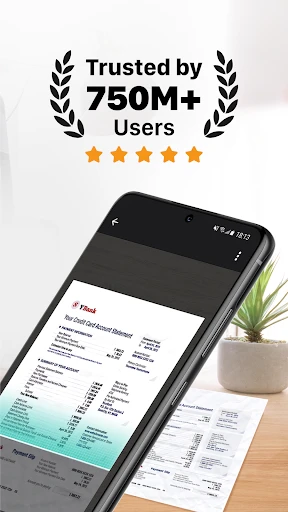
So, how does it work? You simply open the app, point your camera at the document you need to scan, and click. Voila! CamScanner captures the image, and its smart cropping and auto-enhancing features kick in to ensure the scan is clear and sharp. It's like magic! Even if your lighting isn't perfect, the app does a pretty neat job of optimizing the image quality.
From Document to PDF
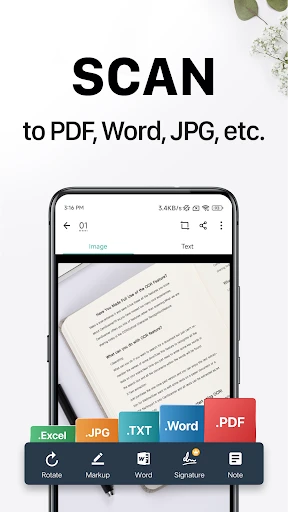
After scanning, CamScanner lets you convert those images into PDF with just a tap. This is particularly useful for sending documents via email or saving them for later use. The app also supports multiple page scanning, so if you've got a hefty document, no worries. Just keep scanning, and CamScanner will compile everything into a single PDF.
Features That Stand Out
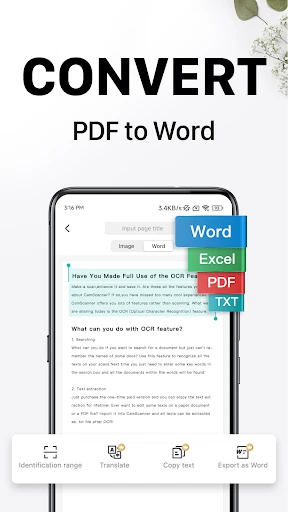
One of my favorite features has to be the OCR (Optical Character Recognition) technology. It allows you to extract text from images, which is incredibly useful if you need to copy text from a printed document. Then there’s the option to add annotations, which is perfect for highlighting important parts of your documents.
Security is another big deal, and CamScanner doesn't disappoint. It offers password protection for your files, ensuring that your sensitive documents remain private. Plus, with cloud integration, you can sync your documents across different devices effortlessly.
Final Thoughts
Overall, CamScanner is a must-have app if you're someone who frequently works with documents. It's straightforward, efficient, and packed with features that cater to your scanning needs. Whether you're a student needing to scan notes or a professional handling contracts, CamScanner has got you covered. It's like having a scanner, PDF maker, and organizer all rolled into one nifty app. So, next time you're in a pinch and need to scan something, just whip out your phone and let CamScanner do the magic!

- Developer
- INTSIG PTE
- Version
- 6.87.5.2505050000
- Installs
- 100,000,000+
- Android Version
- 5.0
- Content Rating
- Everyone
- Price
- Free
- Easy-to-use interface for quick scanning.
- High-quality scans with adjustable settings.
- Supports multiple file formats like PDF
- JPEG.
- Offers cloud storage integration for backups.
- Contains ads in the free version.
- Limited features without premium subscription.
- Privacy concerns over document uploads.
- OCR accuracy can be inconsistent.
- Frequent prompts for in-app purchases.