Minecraft: Play with Friends
Hey there, fellow gamers! Today, I’m diving into the world of blocks, creativity, and endless adventures with the classic yet ever-evolving game, Minecraft: Play with Friends. Whether you’re a seasoned builder or a newbie just starting to explore, this app has something for everyone. Let’s dig deeper into what makes this game a must-have on your mobile device.
Crafting Your Own Adventure
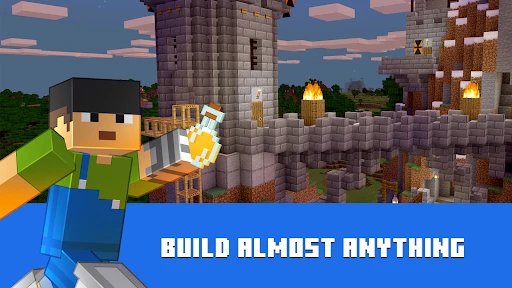
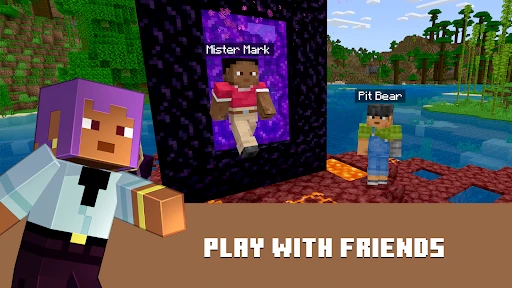
So, you’ve just downloaded Minecraft on your phone, and you’re ready to embark on a journey of creativity. One of the most appealing aspects of this game is the freedom it offers. You’re not just following a storyline; you’re creating it. From building massive castles to crafting simple homes, the game lets your imagination run wild. And the best part? You’re not alone in this. With the "Play with Friends" feature, you can invite your buddies to join your world, making the experience even more exciting.
The Ultimate Sandbox Experience
Minecraft is the quintessential sandbox game. The blocky graphics might seem simple at first, but don’t be fooled. The game’s complexity lies in its simplicity. You can mine resources, craft tools, and build structures, all while fending off creepers and zombies that lurk in the night. The thrill of surviving your first night in the game is unmatched, and having your friends by your side only enhances this adrenaline rush.
Endless Possibilities
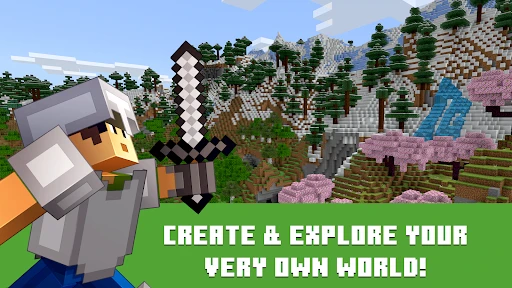
One of the things I absolutely love about Minecraft is the vastness of its world. It doesn’t matter if you’re playing in Survival Mode, where gathering resources and managing your health is crucial, or in Creative Mode, where you have unlimited resources to let your creativity soar. The game offers an endless array of possibilities to explore and create. Every session is a new adventure, especially when you’re building with friends, each bringing their unique flair to the game.
Moreover, the developers are constantly updating the game with new features, biomes, and mobs, ensuring that the game stays fresh and engaging. You never know what new challenges or tools will be added next, and that keeps players coming back for more.
Community and Collaboration
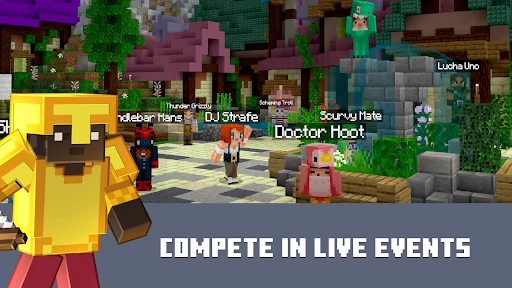
But what truly makes Minecraft stand out is its community. The game has fostered a massive global community where players can share their creations, tips, and experiences. Whether you’re looking for inspiration or just want to show off your latest build, there’s always someone out there who shares your passion. Playing with friends in a shared world adds a layer of collaboration that makes the game even more enjoyable. You can work together on massive projects or engage in friendly competitions, making each session a unique experience.
Plus, the addition of cross-platform play means you can join your friends no matter what device they’re on, making it easier than ever to connect and play together.
Final Thoughts
In conclusion, Minecraft: Play with Friends is more than just a game; it’s a platform for creativity, collaboration, and endless fun. Whether you’re building a sprawling city, exploring caves, or just hanging out with friends, this app offers a unique and rewarding experience. So, grab your pickaxe, gather your friends, and dive into the blocky world of Minecraft. Trust me, you won’t be disappointed!
- Developer
- Mojang
- Version
- 1.21.50.07
- Installs
- 50,000,000+
- Android Version
- 8.0
- Content Rating
- Everyone 10+
- Price
- $6.99
- Endless creativity with building blocks.
- Engaging multiplayer experience.
- Frequent updates and new content.
- Cross-platform play available.
- Educational benefits for kids.
- Can be addictive for some users.
- Occasional server connectivity issues.
- In-game purchases can add up.
- Complexity might overwhelm beginners.
- Graphics are not very realistic.