M64Plus FZ Pro Emulator
Ah, emulators! They’re like little time machines that transport us back to the golden days of gaming. Let me tell you about the M64Plus FZ Pro Emulator—a fantastic app for those of us who are a bit nostalgic for the clunky graphics and catchy tunes of old-school Nintendo 64 games.
Getting Started with M64Plus FZ Pro
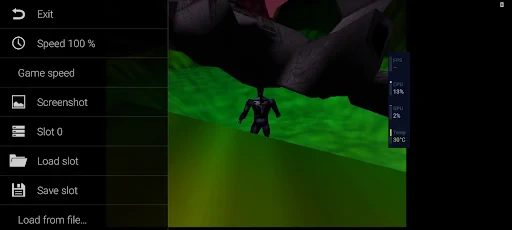
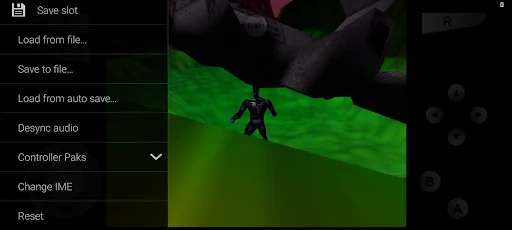
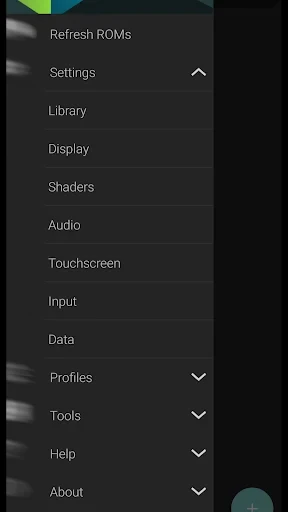
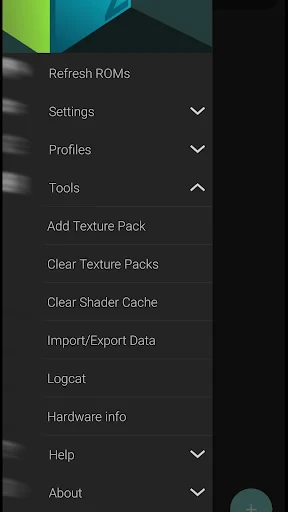
Alright, let’s dive right into it. First things first, installing the M64Plus FZ Pro Emulator is a breeze. Just head over to your app store, and with a few taps, you’re ready to roll. Once installed, the app greets you with a clean and intuitive interface. It’s like the developers knew exactly what we wanted—simplicity and functionality.
Features That Make It Shine
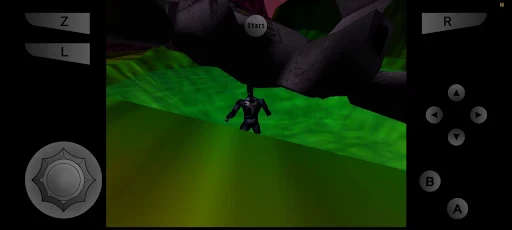
What’s cool about this emulator is that it doesn’t just stop at playing your favorite Nintendo 64 games. It’s packed with features that enhance your gaming experience. For starters, the customizable controls are a lifesaver. Whether you’re a touch screen enthusiast or prefer the feel of a physical controller, M64Plus FZ Pro has got you covered.
Another neat feature is the high-resolution enhancements. I mean, who would've thought that those pixelated classics could look this good? The emulator supports resolutions up to 4K, so if you’re playing on a device with a nice screen, prepare to be blown away.
Performance and Compatibility
Now, let’s talk performance. M64Plus FZ Pro doesn’t disappoint. It runs smoothly on most devices, though, of course, some games might require a bit more horsepower. But generally speaking, the emulator handles the classics like a champ.
Compatibility is another strong suit. It supports a wide range of ROMs, and getting your games up and running is as simple as pie. Just load your ROM files, and you’re all set to relive the magic.
User Experience
What really sets M64Plus FZ Pro apart from the rest is its user-centric design. Navigating through the app feels natural, and the developers have done a great job ensuring that even the most tech-unsavvy among us can get the hang of it quickly. Plus, the community support is top-notch. If you ever run into any issues, there’s a whole community of fellow retro gaming enthusiasts ready to lend a hand.
Final Thoughts
To wrap it up, the M64Plus FZ Pro Emulator is a stellar choice for anyone looking to dive back into the world of Nintendo 64 games. It combines a user-friendly interface with powerful features and impressive performance, making it a must-have for any retro gaming fan.
Whether you're itching to replay your favorite classics or discover new ones, this emulator is your gateway to countless hours of fun. So, dust off those old ROMs, fire up M64Plus FZ Pro, and let the nostalgia trip begin!
- Developer
- Francisco Zurita
- Version
- 3.0.332 (beta)-pro
- Installs
- 100,000+
- Android Version
- 6.0
- Content Rating
- Everyone
- Price
- $3.99
- Excellent performance for N64 games
- Supports various file formats
- Customizable controls
- Frequent updates
- No ads for distraction-free gaming
- Limited to N64 games only
- Some games may have bugs
- Requires powerful device
- Complex setup for beginners
- No multiplayer support