WhatColors: AI Color Analysis
Ever found yourself staring at your wardrobe, utterly baffled by the sheer number of colors that just don’t seem to work together? Say hello to WhatColors: AI Color Analysis, your new best friend in the quest for color harmony. Let me walk you through my experience with this app, and why it might just become your go-to tool every morning.
Getting Started
Downloading and setting up WhatColors is a breeze. Available on both Android and iOS, it took me less than a minute to get it up and running. The interface is sleek and intuitive, which I really appreciate because who has time to fumble around with complicated apps first thing in the morning? Once you launch it, you’re greeted with a simple menu that guides you through the process of analyzing colors in your photos.
Features That Stand Out
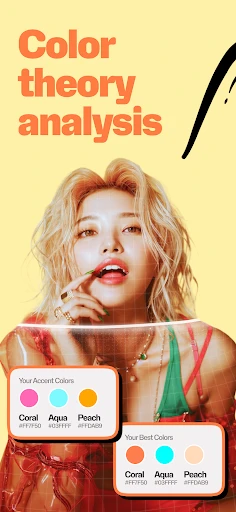
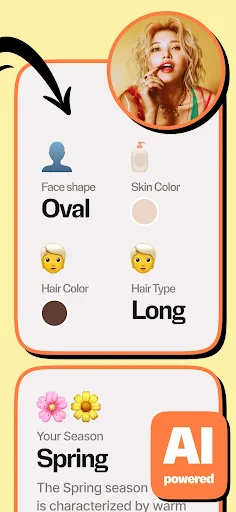
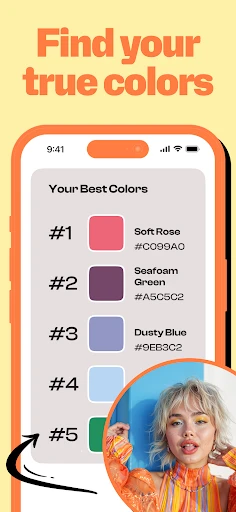
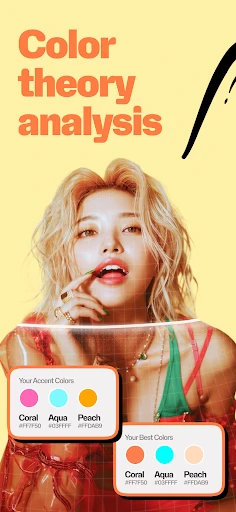
The real magic of WhatColors lies in its AI-powered analysis. You can snap a picture of your outfit, your room decor, or anything else that needs a color check, and the app will break down the colors into a neat little palette. It even names the shades for you! Honestly, it’s like having a personal color consultant in your pocket.
Another feature that I found super helpful is the app’s ability to suggest complementary colors. If you’re as fashion-challenged as I am, this is a lifesaver. I took a picture of a teal dress I wasn’t sure how to accessorize, and the app suggested colors like coral and gold, which worked perfectly.
Practical Uses
Beyond just fashion, I’ve found WhatColors to be incredibly useful for interior design projects. I’m in the middle of redecorating my living room, and using the app to test different color schemes has been invaluable. It’s saved me countless trips back and forth to the paint store. Plus, you can save your favorite palettes for future reference, which is great for those long-term projects.
Final Thoughts
After using WhatColors for a few weeks, I can confidently say it’s a game-changer for anyone who struggles with color coordination. It’s straightforward, efficient, and surprisingly fun to use. While it might not replace a professional designer, it certainly bridges the gap for everyday users like us.
If you’ve been on the fence about whether to give it a shot, I’d say go for it. The app is free to download, with some in-app purchases available if you want to unlock more features. But even the basic version packs a punch. So next time you’re staring at your closet in despair, whip out WhatColors and let the AI do the thinking for you.

- Developer
- Quiet Games.
- Version
- 1.1.20
- Installs
- 100,000+
- Android Version
- 8.0
- Content Rating
- Everyone
- Price
- Free
- Accurately identifies a wide range of colors.
- User-friendly interface with intuitive design.
- Fast processing and quick color results.
- Offers detailed color breakdown and names.
- Supports multiple image formats for analysis.
- Requires internet connection for full features.
- Limited offline functionality available.
- Occasional inaccuracies in complex images.
- No direct export options for analyzed data.
- Ads can be intrusive in the free version.