Mirror - Fullscreen Mirror App
Have you ever found yourself in a situation where you desperately needed a mirror but couldn't find one? Or maybe you're in a dimly lit restaurant bathroom, trying to fix your hair, and the lighting just isn't helping. Enter the Mirror - Fullscreen Mirror App, a simple yet ingenious solution to all your reflective needs. As someone who's always on the go, I decided to give this app a whirl, and here’s a breakdown of my experience.
What is the Mirror - Fullscreen Mirror App?
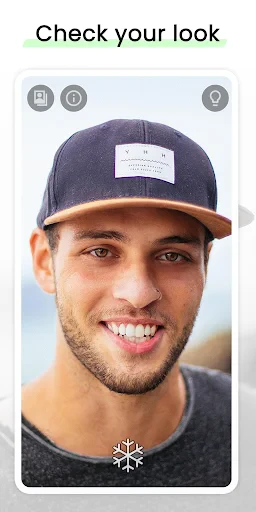
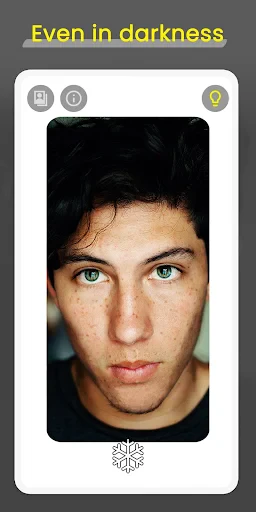
The Mirror app is exactly what it sounds like: a mirror on your smartphone. But don't be fooled by its simplicity. This app turns your phone into a high-quality, full-screen mirror, making use of your front-facing camera to reflect your image. It’s like carrying a compact mirror, minus the bulk, and plus the tech-savvy features.
Features Galore
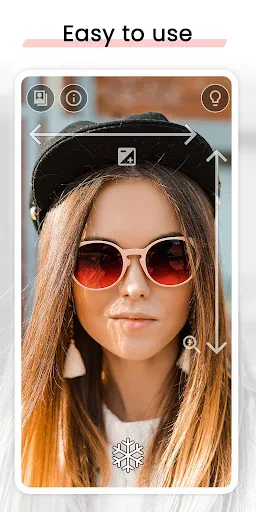
First off, the fullscreen mode is a game-changer. Unlike other apps that clutter the screen with unnecessary buttons and ads, this app offers a clean, unobstructed view. You can zoom in for a closer look at those pesky eyebrow hairs or zoom out to check your entire look before heading into that important meeting.
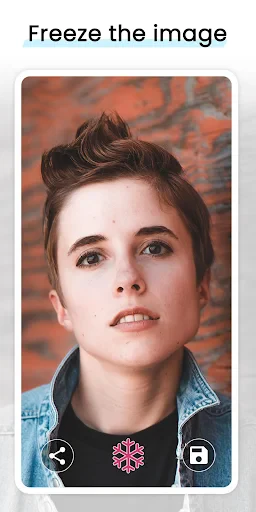
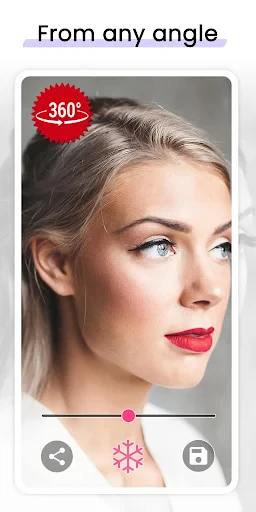
One nifty feature is the freeze frame option. You can capture your reflection, making it easier to see yourself without holding the phone at awkward angles. This is especially useful for applying makeup or styling your hair. Plus, you can save these images if you’re trying out new looks and want to compare them later.
Lighting and Clarity
Lighting can make or break your mirror experience, and the developers of this app seem to understand that perfectly. It offers a variety of lighting adjustments, ensuring you can always see yourself clearly, regardless of the environment. Whether you’re in a dim room or outdoors in the glaring sun, the app adapts to provide the best possible reflection.
User-Friendly Interface
Let’s talk about usability. The interface is super intuitive, so even if you're not tech-savvy, you'll find it easy to navigate. The controls are straightforward, with simple gestures for zooming and capturing your image. It’s also lightweight, meaning it won’t take up much space on your device. I found it particularly refreshing that it doesn’t bombard you with ads, even in the free version.
Why You’ll Love It
If you’re someone who frequently needs a quick mirror check, this app is a lifesaver. It’s perfect for travelers, busy professionals, or anyone who loves convenience. The ability to access a mirror anytime, anywhere is something I didn’t know I needed until I had it.
Overall, the Mirror - Fullscreen Mirror App is a fantastic tool that combines simplicity with utility. It’s not just an app; it’s a practical extension of your daily routine. Whether you’re touching up your makeup or just checking if there’s spinach in your teeth, this app has got you covered.
So, next time you’re fumbling around for a reflective surface, remember that your smartphone might just be the best mirror you’ve ever had.
- Developer
- Studio 360 Apps
- Version
- 1.4.0
- Installs
- 1,000,000+
- Android Version
- 6.0
- Content Rating
- Everyone
- Price
- Free
- High resolution display.
- No ads for distraction-free usage.
- User-friendly interface.
- Quick load time.
- Works offline.
- Limited features without premium.
- No zoom functionality.
- Occasional app crashes.
- Not compatible with all devices.
- No video recording option.