Malwarebytes Mobile Security
In this digital age, our smartphones are practically extensions of ourselves. But with great connectivity comes great responsibility, right? That's where Malwarebytes Mobile Security steps in. If you're like me, constantly paranoid about the safety of your data and privacy, then this app might just be your new best friend.
Setting Up: A Breeze or a Storm?
First things first, let's talk about the setup process. Honestly, it's as smooth as butter. Even if you're not tech-savvy, installing Malwarebytes Mobile Security is straightforward. Just a few taps, and you're all set. The app holds your hand through the initial setup, ensuring you know exactly what permissions you're granting and why they're necessary. It's like having a friendly guide to navigate you through the sometimes murky waters of mobile security.
User Interface: Sleek and Intuitive
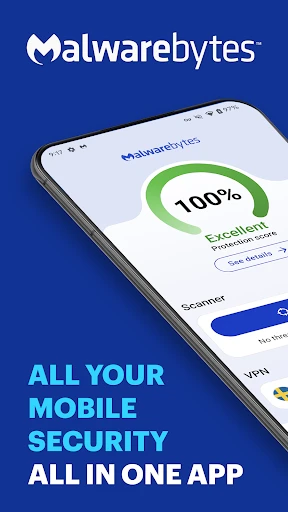
The next thing you'll notice is the user interface. It's clean, modern, and incredibly easy to navigate. The dashboard presents all the critical information at a glance. You can easily access features like scanning, updating, and managing your protection settings without getting lost in a sea of options. It feels like the developers really listened to user feedback and made an app that's not just effective but also user-friendly.
Features: More Than Just a Pretty Face
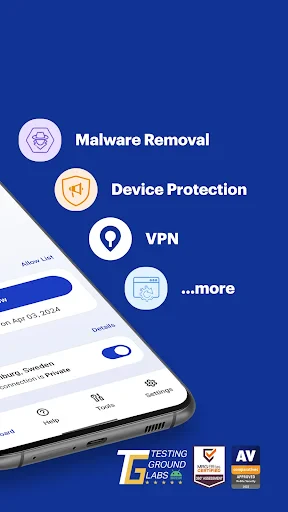
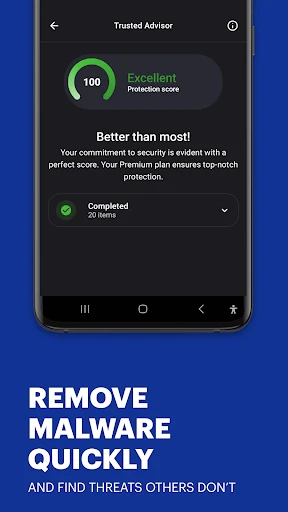
Malwarebytes Mobile Security isn't just about looks; it's packed with features. The real-time protection is a game-changer, constantly monitoring your device to fend off any potential threats. I particularly love the Privacy Audit tool. It goes through your apps and highlights any suspicious permissions, giving you the lowdown on which apps are potential privacy risks. It's like having a detective on your phone.
Another standout feature is the App Manager. It lets you keep track of all your installed apps and their permissions. If you're a bit of a control freak like me, this feature is a godsend. It helps you keep tabs on what's happening under the hood of your smartphone.
Performance: Does It Slow You Down?
One of the biggest concerns with security apps is their impact on device performance. Nobody wants their phone to turn into a sluggish brick. Thankfully, Malwarebytes Mobile Security runs quietly in the background without hogging resources. I've noticed no significant drain on battery life or performance dips. It's like having a security guard who's both alert and invisible.
And let's not forget about the regular updates. Malwarebytes is vigilant in keeping its software up-to-date, ensuring it can tackle the latest threats. This commitment to continuous improvement is reassuring for anyone who takes mobile security seriously.
Final Thoughts: Worth the Download?
So, is Malwarebytes Mobile Security worth downloading? In my opinion, absolutely. It offers a robust suite of features wrapped in a user-friendly package. While no app can guarantee 100% protection, Malwarebytes comes pretty close. If you're looking for an app that provides peace of mind without compromising on performance, this is it.
In a world where cyber threats are becoming increasingly sophisticated, having a reliable security app on your phone is no longer optional—it's essential. And Malwarebytes Mobile Security is a solid choice to keep your digital life safe and sound.

- Developer
- Malwarebytes
- Version
- 5.16.0+444
- Installs
- 10,000,000+
- Android Version
- 9
- Content Rating
- Everyone
- Price
- Free
- Comprehensive malware protection
- Real-time threat detection
- Privacy audit for apps
- Anti-phishing feature
- Simple and clean interface
- Limited features in free version
- Occasional false positives
- Consumes battery quickly
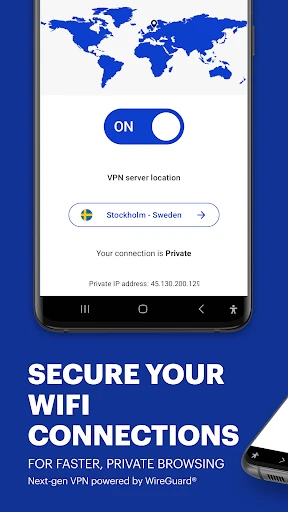
- No VPN included
- Ads in free version