Khan Academy Kids
Discovering the World of Learning with Khan Academy Kids
Hey there, fellow parents and educators! If you’re on the lookout for an engaging, educational app for the kiddos, let me introduce you to Khan Academy Kids. This app has been a game-changer in my household, and I’m here to spill the beans on why it might just be the perfect fit for your little learners too.
Fun Meets Education
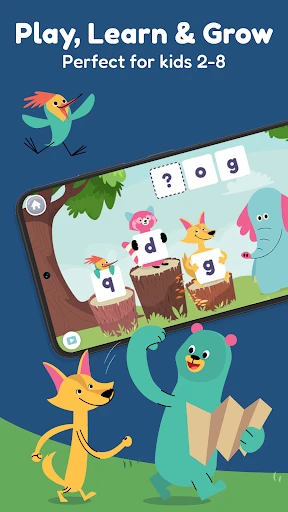
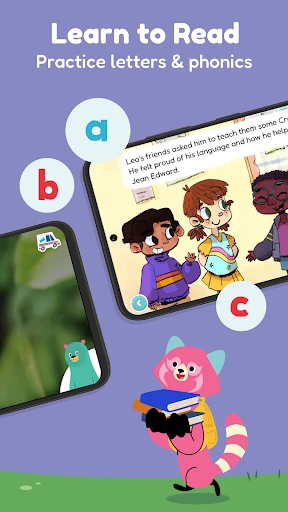
Right off the bat, Khan Academy Kids stands out with its vibrant and inviting interface. The app is designed for children aged 2-8, making it a versatile tool for early childhood education. What’s really neat is how it combines fun with learning seamlessly. My kids were immediately drawn to the colorful characters and interactive activities. It’s like a digital playground where learning doesn’t feel like a chore.
A Wealth of Content
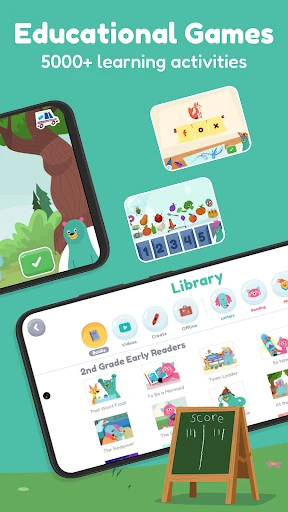
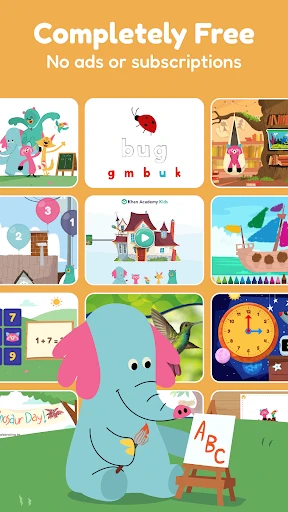
One of the things I absolutely love about this app is the sheer variety of content available. From reading and literacy to math and social-emotional learning, Khan Academy Kids covers all the bases. The lessons are tailored to different age groups, ensuring that the content is appropriate and challenging enough to keep kids engaged. And here’s the best part: it’s all completely free. No hidden fees, no premium content—just pure educational goodness.
Navigating the App
Getting started with Khan Academy Kids is a breeze. The user-friendly interface means that even the youngest users can navigate through the app with ease. As a parent, I appreciate how the app allows me to monitor my child’s progress. There’s a handy parent section where you can track learning milestones and see which areas your child excels in or where they might need a little extra help.
Personalized Learning Experience
Another standout feature is the personalized learning experience. The app adjusts to your child’s learning pace, offering activities and challenges that suit their individual needs. This adaptive learning approach ensures that kids are neither overwhelmed nor bored, striking just the right balance to keep them motivated.
Fostering Creativity and Imagination
Khan Academy Kids doesn’t just focus on academic skills; it also encourages creativity and imagination. There are countless opportunities for kids to express themselves through drawing, storytelling, and music. The app even includes a feature where kids can earn rewards and unlock new activities, which adds a playful twist to the learning process.
The Verdict
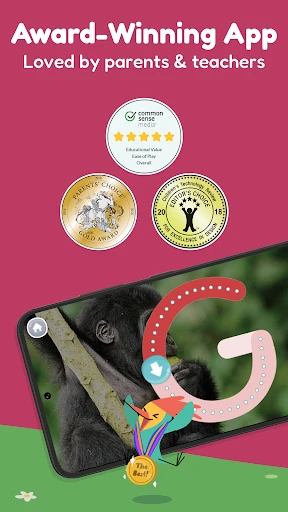
In a nutshell, Khan Academy Kids is a must-have app for any parent or educator looking to supplement their child’s education with a fun and interactive tool. It’s rare to find an app that combines quality content with a delightful user experience, and Khan Academy Kids does just that. Plus, knowing that it’s backed by the reputable Khan Academy gives me peace of mind that my kids are in good hands.
So, if you’re ready to embark on an exciting educational journey with your kids, give Khan Academy Kids a try. Trust me, it’ll be a decision you won’t regret!
- Developer
- Khan Academy
- Version
- 7.1
- Installs
- 5,000,000+
- Android Version
- 6.0
- Content Rating
- Everyone
- Price
- Free
- Engaging and interactive learning tools.
- Wide range of educational topics covered.
- Child-friendly and intuitive interface.
- Completely free with no ads.
- Encourages independent learning.
- Requires internet for full functionality.
- Limited offline content available.
- Some animations may be distracting.
- Parental guidance may be needed.
- Lacks advanced subjects for older kids.