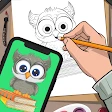
AR Draw Sketch: Trace & Paint
Are you someone who doodles on the back of napkins, or maybe you’ve always wanted to create art but felt like you didn’t have the talent? Well, let me introduce you to this nifty little app called AR Draw Sketch: Trace & Paint. It’s like having a digital art teacher who’s super patient and available 24/7.
Stepping into the World of AR Art
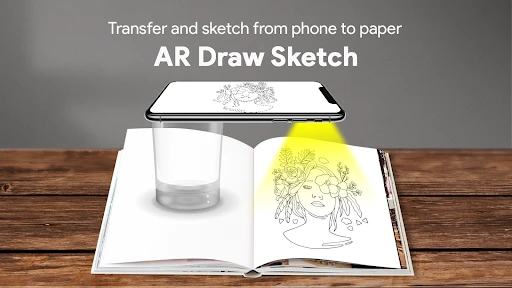
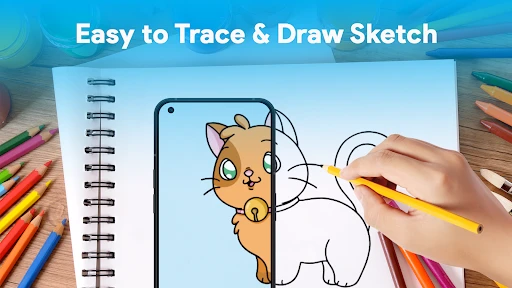
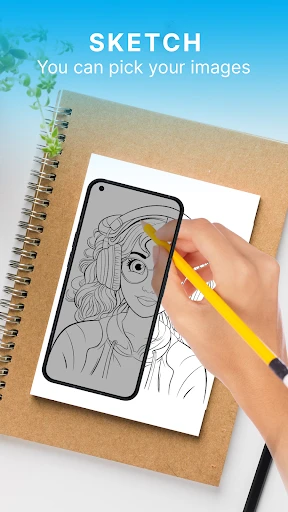
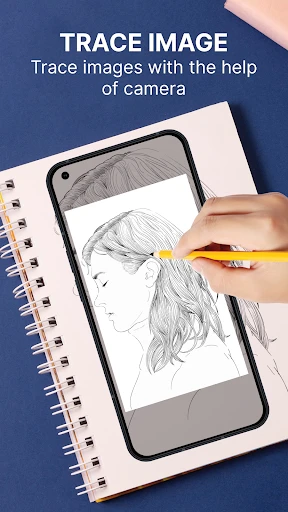
AR Draw Sketch leverages augmented reality to turn your smartphone into a virtual drawing guide. Basically, it projects an image onto your paper through your phone's camera, allowing you to trace and paint with ease. If you’re like me and can barely draw a stick figure, this app is a game-changer.
Features That Make You Go "Wow!"
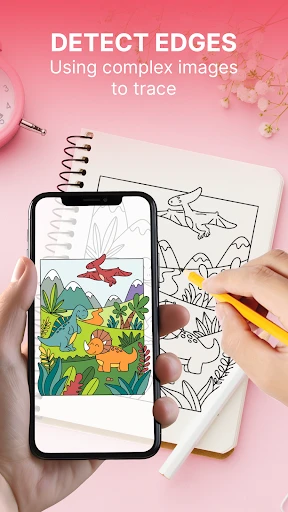
One of the coolest things about this app is its simplicity. You don’t have to be a tech wizard to start creating masterpieces. Just select an image from the app’s library or upload your own, adjust the size and position, and boom—you’re ready to trace!
Another neat feature is the app’s grid functionality. It helps you keep your proportions accurate, which is something I always struggled with. AR Draw Sketch also includes a plethora of drawing tools, from pencils to paints, all digitally provided to enhance your artwork.
Getting Creative with AR Technology
The augmented reality feature is what sets this app apart. It uses your device’s camera to project lines and shapes onto your drawing surface. You can adjust the transparency to suit your needs, which I found incredibly useful when I was trying to focus on intricate details.
And it’s not just for paper! You can use AR Draw Sketch on canvases, walls, or even T-shirts if you're feeling adventurous. The possibilities are endless, and it's a fantastic way to personalize your environment or create unique gifts.
Room for Improvement?
While the app is a fantastic tool for budding artists, it’s not without its quirks. Sometimes the calibration can be a bit off, especially if your lighting isn’t great. I had a few moments of frustration when my lines didn’t match up perfectly with the projected image. However, with a bit of practice and patience, you can usually get it just right.
Another thing to note is that the app works best on larger screens. If you’re using a smaller phone, it might be a bit challenging to see the finer details of your project.
Final Thoughts
Overall, AR Draw Sketch: Trace & Paint is an innovative app that brings out the artist in everyone. Whether you’re a complete beginner or someone looking to refine your skills, this app makes the process fun and accessible. It’s like magic—seeing your hand create something you never thought possible. So grab your phone, some paper, and let your creativity flow!
- Developer
- NERALDOVERLAND
- Version
- 1.0.3
- Installs
- 10,000,000+
- Android Version
- 5.0
- Content Rating
- Everyone
- Price
- Free
- Easy to use with intuitive controls.
- Large variety of templates available.
- Supports multiple drawing modes.
- Guides for learning sketching techniques.
- Offline use without internet required.
- Limited free features
- many in-app purchases.
- Some templates require premium access.
- Occasional app crashes reported by users.
- Limited support for advanced artists.