PPSSPP - PSP emulator
If you’re a fan of classic gaming and the allure of nostalgia calls out to you, then PPSSPP might just be your next favorite app. This PSP emulator brings back the magic of PlayStation Portable games right to your Android or iOS device. Let’s dive in to see what makes this emulator a must-have for every retro gaming enthusiast.
The World of Portable Gaming Revived
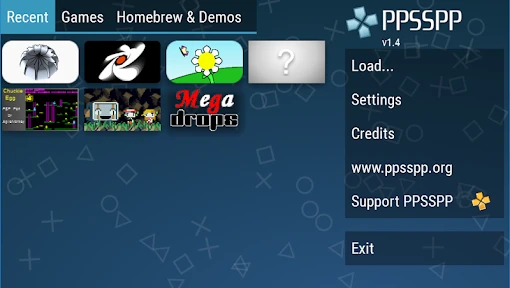
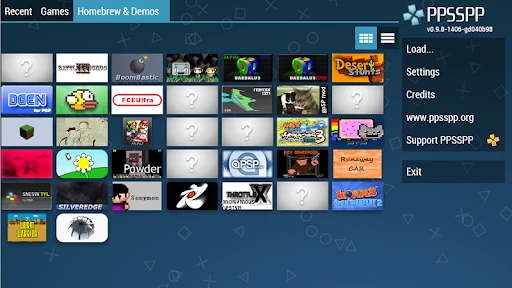
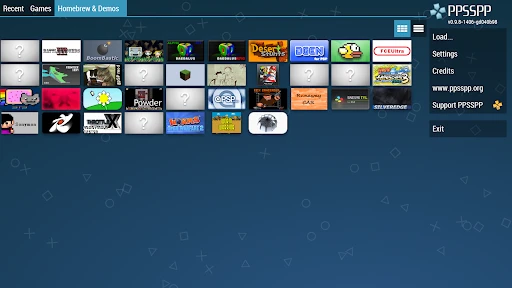
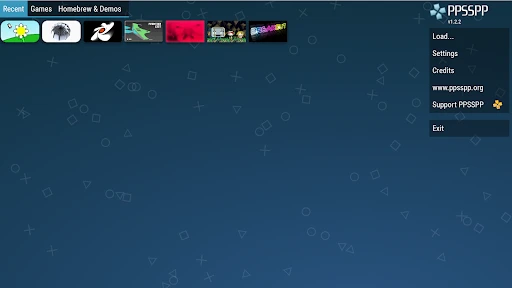
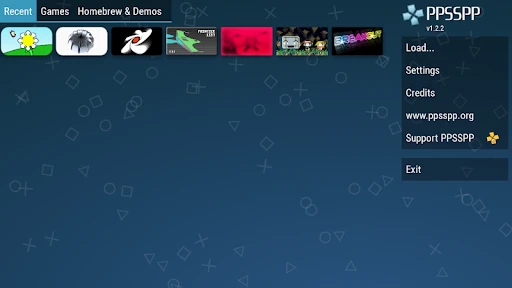
Remember the days when PSP was the king of portable gaming? With the PPSSPP emulator, those days are back, and you can now carry them in your pocket. Installing the app is a breeze, and it supports a wide range of PSP games. From the moment you open it, you’re greeted with a straightforward interface that’s easy to navigate, even for those who aren’t tech-savvy.
Performance and Graphics
One of the standout features of PPSSPP is its performance. The emulator runs smoothly on most devices, ensuring a lag-free gaming experience. What’s more, the graphics are quite impressive. You can even enhance them beyond the original PSP’s capabilities, making your favorite classics look better than ever. With the option to tweak settings, including resolution and filters, you can customize your gaming experience to suit your preferences.
Game Compatibility
The app boasts a high compatibility rate with PSP games. Whether you’re into action-packed adventures or simple puzzle games, PPSSPP has got you covered. While not every game runs perfectly, the developers are constantly updating the app to improve compatibility and performance. It’s like having a PSP in your hands, but with a modern twist.
User-Friendly Controls
Playing games on PPSSPP is a breeze thanks to its intuitive controls. The emulator allows you to customize on-screen touch controls or connect external controllers for a more authentic gaming experience. It also supports save states, so you can save your progress at any moment—perfect for those tricky spots in your favorite games.
Another cool feature is the ability to sync your games across devices using cloud storage. This means you can start a game on your phone and continue it on your tablet without missing a beat.
Final Thoughts
In conclusion, PPSSPP is a fantastic app for anyone looking to relive the glory days of the PSP. With its impressive performance, high game compatibility, and user-friendly interface, it’s no wonder this emulator has garnered a loyal following. Whether you’re a seasoned gamer or just looking to explore classic titles, PPSSPP is definitely worth checking out. So, dust off those digital PSP games and get ready for a trip down memory lane!
- Developer
- Henrik Rydgård
- Version
- 1.18.1
- Installs
- 100,000,000+
- Android Version
- 2.3
- Content Rating
- Everyone
- Price
- Free
- High compatibility with PSP games.
- Supports save and load states.
- Customizable controls.
- HD graphics with texture scaling.
- Frequent updates and bug fixes.
- Ads in the free version.
- Some games may lag on low-end devices.
- Complex settings interface.
- Occasional crashes reported.
- Limited support for multiplayer.