Piano Game: Classic Music Song
Tickling the Ivories with Piano Game: Classic Music Song
If you've ever fancied yourself a maestro in the making or just someone who loves the sound of piano keys, Piano Game: Classic Music Song might just be your next favorite app. As someone who's spent countless hours on this app, let me take you through its melodious journey.
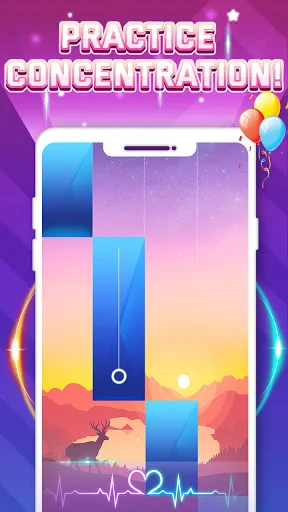
First Impressions and User Interface
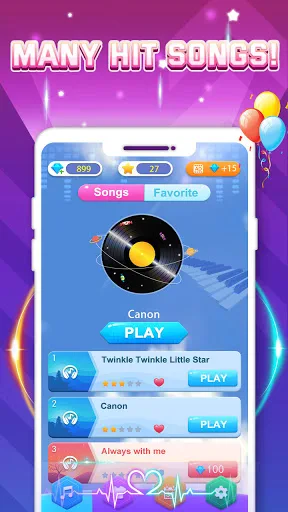
Upon launching the app, you're greeted with a visually pleasing interface that's both inviting and easy to navigate. The developers have done a stellar job keeping the design intuitive, ensuring that both young learners and seasoned players can find their way around without a hitch. The main menu is clutter-free, offering quick access to the song library, game modes, and settings.
Song Library: A Symphony of Choices
One of the biggest draws of this app is its extensive song library. From timeless classics like Beethoven’s "Für Elise" to contemporary hits, this app has something for every music lover. It's like having an entire orchestra at your fingertips! What’s more, each song offers varying levels of difficulty, making it perfect for both beginners and advanced players who want to challenge themselves.
Gameplay: More Than Just a Game
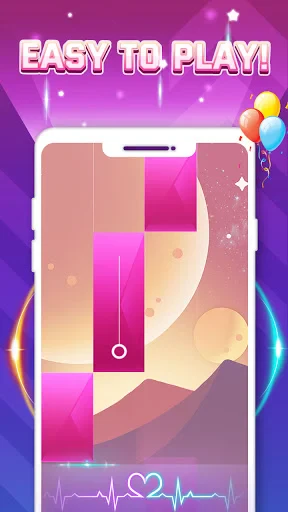
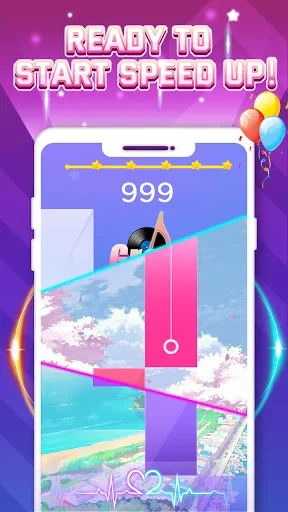
Now, let's talk about the gameplay. Playing the piano on your phone might sound odd, but trust me, it’s surprisingly engaging. The app uses a tap-based control system where you follow the rhythm and tap the keys on the screen. It’s a great way to improve your sense of rhythm and timing. Plus, with features like speed adjustments, you can slow down tricky parts or ramp up the tempo for a real challenge.
Learning and Challenge Modes
This app isn’t just about playing songs; it’s also a learning tool. The Learning Mode guides you step-by-step, perfect for those who want to learn piano basics or improve their skills. Meanwhile, the Challenge Mode tests your speed and accuracy, pushing you to beat your own records or compete with friends. It’s like having a personal piano tutor and competitor in your pocket!
Customization and Settings
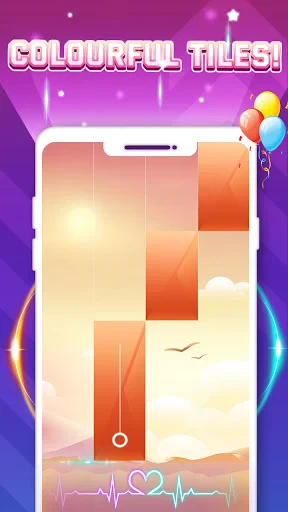
Another neat feature is the customization options. You can personalize the keyboard size, select different sound effects, and even change the background themes. These small tweaks can make a big difference in your overall playing experience. Plus, the app’s settings allow you to adjust the sound and game notifications, ensuring a distraction-free environment.
Final Thoughts
In conclusion, Piano Game: Classic Music Song hits all the right notes for me. It’s a delightful blend of fun and learning, wrapped up in an engaging user experience. Whether you’re just starting out on your musical journey or are a piano aficionado, this app offers a harmonious balance of challenge and enjoyment. So, if you’re ready to tickle the ivories without needing a grand piano, give this app a whirl. You might just find yourself composing your own symphony of success!
- Developer
- Dream Tiles Piano Game Studio
- Version
- 3.1.8
- Installs
- 100,000,000+
- Android Version
- 5.0
- Content Rating
- Everyone
- Price
- Free
- Wide variety of classic songs to play.
- Engaging and intuitive gameplay.
- Suitable for all ages.
- Offline play is available.
- Regular updates with new songs.
- Contains ads that may interrupt play.
- Limited free song selection.
- In-app purchases can be costly.
- High battery consumption.
- Occasional lag on older devices.