
UnitedHealthcare
Getting to Know UnitedHealthcare App
Alright, folks, gather around because we're diving into the UnitedHealthcare app today. If you're anything like me, managing healthcare stuff can feel like trying to solve a Rubik's cube blindfolded. But fear not, because this app is here to make life a tad easier. Let’s see what it’s all about!
First Impressions Matter
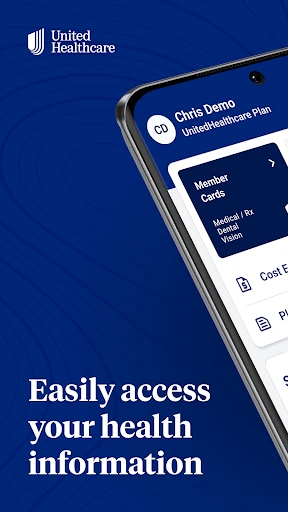
Right off the bat, the UnitedHealthcare app welcomes you with a clean and intuitive interface. I mean, who doesn't love a good-looking app? It's like the difference between a tidy desk and one that's covered in chaos. Navigating through the app is straightforward, thanks to its user-friendly design. You can easily find what you need without feeling like you're lost in a digital maze.
Features Galore
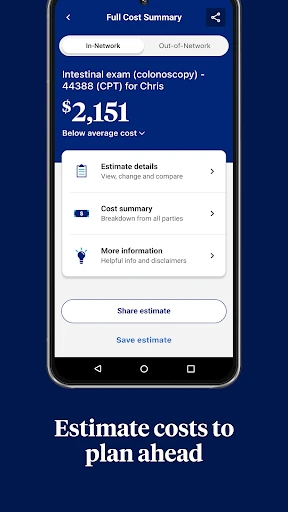
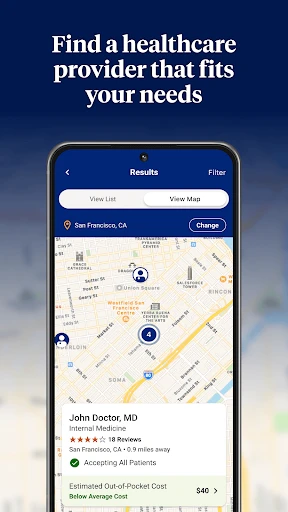
Now, let’s talk features because this app is packed with them. Need to find a doctor? No problem. The provider search tool is a lifesaver, especially when you're in a new area or just need a specialist pronto. You can also check your health plan benefits, which is super handy because understanding health insurance lingo can be like learning a new language.
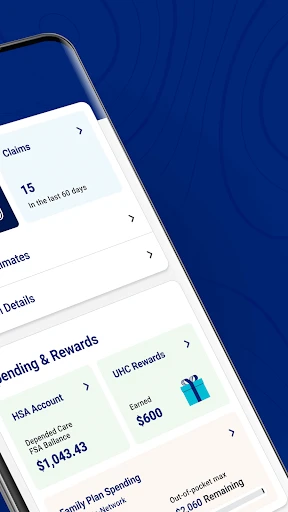
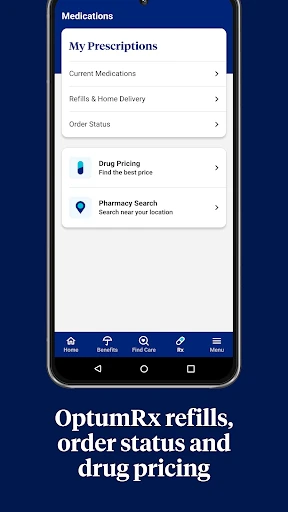
One of my favorite features has to be the ability to manage prescriptions. No more scrambling to remember if you need a refill or not. The app sends reminders, so you're always in the loop. Plus, you can track your claims and see exactly what's been paid and what's pending. It's transparency at its finest.
Billing Made Simple
If billing gives you a headache, the UnitedHealthcare app might just be your new best friend. You can view and pay your medical bills right from your phone. It's like having a personal assistant who handles all the boring stuff while you get on with your day. The billing section is clear and concise, which makes the whole process less daunting.
Customizable Experience
What’s pretty cool is the app’s customizable dashboard. You can tailor it to show the information that’s most important to you. Whether it’s upcoming appointments, recent claims, or your deductible status, it’s all there at a glance.
Security and Support
Let’s not forget about security. With something as sensitive as healthcare data, you want to ensure your information is locked up tighter than Fort Knox. The app uses top-notch security measures to protect your personal info. And if you ever hit a snag, their support team is just a tap away. It’s reassuring to know help is readily available.
Final Thoughts
Wrapping it up, the UnitedHealthcare app really steps up to the plate. It’s like having a health concierge in your pocket. Whether you’re managing prescriptions, checking benefits, or paying bills, it’s all streamlined into one nifty app. Sure, there might be a learning curve if you're not tech-savvy, but once you get the hang of it, you’ll wonder how you ever managed without it.
So, if you’re on the hunt for an app that simplifies your healthcare journey, give this one a whirl. It’s designed to make your life easier, and who doesn’t want that?
- Developer
- UNITED HEALTHCARE SERVICES, INC.
- Version
- 2.81.0
- Installs
- 5,000,000+
- Android Version
- 8.0
- Content Rating
- Everyone
- Price
- Free
- Comprehensive health tracking features.
- Easy access to insurance information.
- User-friendly interface.
- Wide range of health resources.
- Seamless appointment scheduling.
- Limited availability in some areas.
- Occasional app crashes reported.
- Requires stable internet connection.
- Complex navigation for new users.
- Some features are paywalled.