

OnStar Guardian: Safety App
Discovering OnStar Guardian: Your Personal Safety Companion
Hey there, tech explorers! 🚀 Today, I'm diving into an app that's all about keeping you safe and sound—OnStar Guardian. It's like having a guardian angel in your pocket, always ready to swoop in when you need it most. So, let’s check out what makes this app tick and whether it deserves a spot on your smartphone.
What is OnStar Guardian?
First things first, OnStar Guardian isn’t just another safety app. It’s brought to you by the same folks who’ve been providing in-car safety services for years—General Motors. Now, they’re taking that expertise beyond the vehicle to offer a comprehensive personal safety solution on your mobile device. Whether you're walking alone at night or just want that extra layer of security, this app is designed to keep you connected and protected.
Features That Stand Out
OnStar Guardian is packed with features that make it a standout in the crowded sea of safety apps. Here’s what I found most impressive:
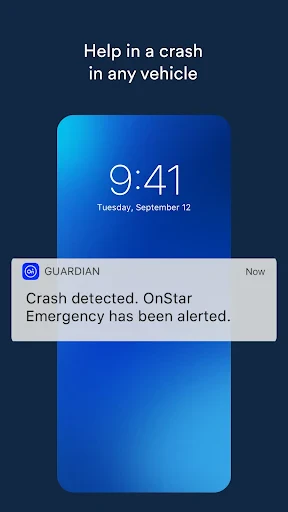
Mobile Crash Response: This feature automatically detects if you’ve been in a crash and alerts emergency services. It’s like having a little black box that’s always got your back.
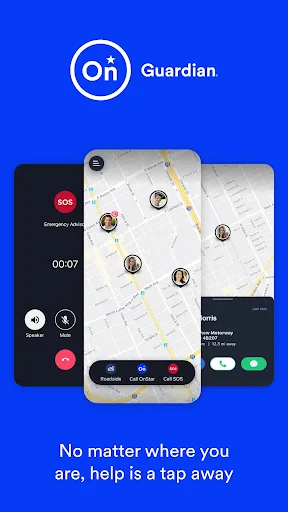
Roadside Assistance: Stuck with a flat tire or out of gas? No worries, the app can connect you to roadside assistance 24/7, making sure help is always just a tap away.
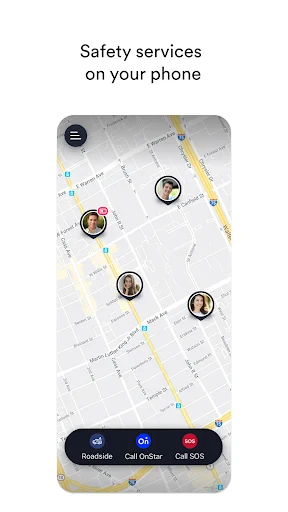
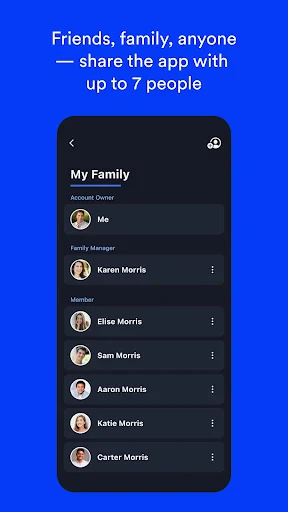
Location Status: Share your real-time location with loved ones so they can keep an eye on you. This is super useful for parents wanting to ensure their kids are safe or for partners checking in on each other during late-night commutes.
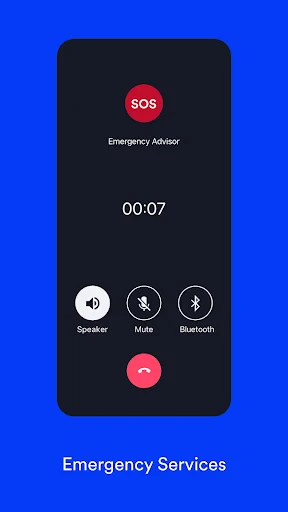
Emergency Services: With a direct line to emergency services, you can call for help with a single tap. It's peace of mind knowing that help is always accessible.
Using the App: My Personal Experience
Getting started with OnStar Guardian was a breeze. The app guided me through a simple setup process, ensuring my profile was complete and my emergency contacts were added. The interface is intuitive, with large icons and a straightforward menu, making it easy to navigate even in stressful situations.
One of the features I found particularly comforting was the Mobile Crash Response. Testing it (thankfully, not in a real scenario!), the app promptly simulated an alert to emergency services, showcasing how quick and efficient it is. This feature alone makes it a must-have for anyone who spends a lot of time on the road.
Who Should Download This App?
If you’re someone who values safety and wants to ensure both you and your loved ones are protected, OnStar Guardian is definitely worth the download. It’s perfect for parents, young drivers, or anyone who wants an extra layer of security while traveling.
In terms of performance, the app runs smoothly with minimal battery drain, which is a huge plus. After all, what good is a safety app if it leaves you stranded with a dead phone, right?
Final Thoughts
Overall, OnStar Guardian is like having a personal safety net that’s always there when you need it. While there are many safety apps out there, few offer the comprehensive features and reliability that this one does. It’s not just about emergencies; it’s about peace of mind, knowing that help is always just a tap away.
So, if you’re looking to beef up your personal safety toolkit, give OnStar Guardian a try. It’s an app that truly lives up to its promise of keeping you safe, wherever you go. Until next time, stay safe and tech-savvy! 🌟
- Developer
- OnStar, LLC
- Version
- 3.5.1
- Installs
- 1,000,000+
- Android Version
- 7.0
- Content Rating
- Everyone
- Price
- Free
- Easy-to-use interface
- Real-time location sharing
- 24/7 emergency support
- Family safety tracking
- Roadside assistance
- Requires subscription
- Limited to specific regions
- Battery draining
- Data privacy concerns
- Requires internet connection


