KWGT Kustom Widget Pro Key
Looking to spice up your Android home screen and take customization to the next level? Look no further than KWGT Kustom Widget Pro Key! This nifty app is like the Swiss Army knife for Android customization enthusiasts. Imagine being able to create your own widgets from scratch, with all the bells and whistles you can dream of. That's exactly what KWGT offers, and once you dive in, it's hard to go back.
Getting Started with KWGT
So, you've downloaded KWGT Kustom Widget Pro Key, and you're ready to dive into the world of customization. First things first, you'll need to install KWGT Kustom Widget Maker from the Play Store. Think of the Pro Key as the golden ticket that unlocks all the premium features in the Widget Maker app. It's super easy to set up, and before you know it, you'll be on your way to crafting widgets that are as unique as your imagination.
The Creation Process
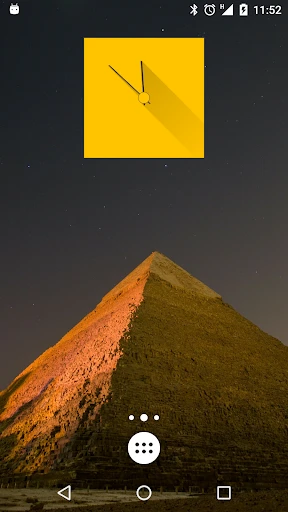
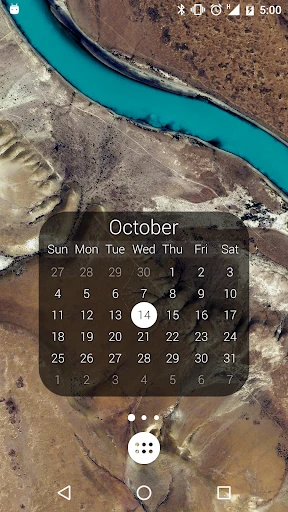
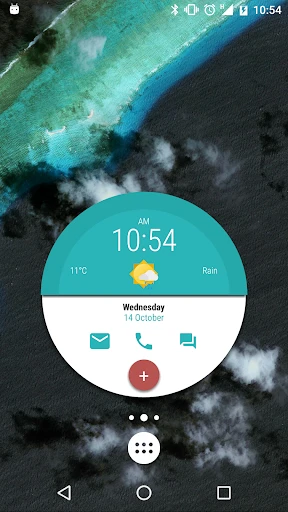
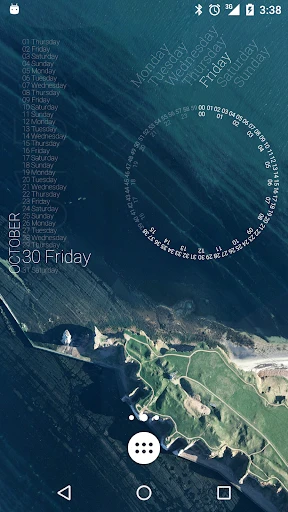
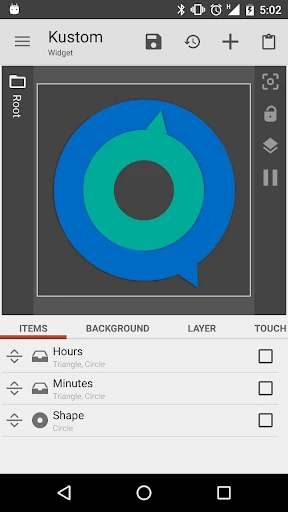
Now, this is where the fun begins. KWGT is all about letting your creativity run wild. You start with a blank canvas and can add elements like text, shapes, progress bars, and images. The app offers a plethora of fonts and colors, so you can match your widget to your current wallpaper or theme. Feeling fancy? Add some touch actions to your widget, so tapping it opens your favorite app or toggles a setting. The possibilities are endless, and the app's interface is intuitive enough for both beginners and seasoned designers.
Diving Deeper: Advanced Features
For those who love to tinker, KWGT offers some advanced features that are worth exploring. You can integrate data from other apps, such as weather updates, calendar events, or system info, directly into your widgets. This means you can have a sleek clock widget that also tells you the weather and your next meeting, all in one glance. The Pro Key also gives you access to additional features like exporting your creations or using custom-made widgets from the community, which is a fantastic way to get inspired or share your designs.
One of my favorite features is the ability to use global variables. This might sound a bit techy, but trust me, it's a game-changer. It allows you to change multiple widgets' appearances simultaneously, which is perfect if you like to switch up themes regularly. Plus, there are tons of tutorials and community forums out there, so you can always find help if you hit a creative block.
Personal Experience
Personally, I've had a blast using KWGT Kustom Widget Pro Key. At first, it was a little overwhelming because of all the options, but once I got the hang of it, I found myself spending hours perfecting my home screen. It's incredibly satisfying to see your phone look exactly how you envisioned it. Plus, showing off your personalized setup to friends and seeing their reactions is always a fun bonus!
Final Thoughts
In a world where our smartphones are an extension of ourselves, KWGT Kustom Widget Pro Key offers a fantastic way to express your personality through your home screen. Whether you're a customization novice or a seasoned pro, this app has something for everyone. It's not just about creating widgets; it's about creating an experience that resonates with you every time you unlock your phone. So if you're ready to take your Android customization to new heights, give KWGT a try. You won't be disappointed!
- Developer
- Kustom Industries
- Version
- F
- Installs
- 500,000+
- Android Version
- 5.0
- Content Rating
- Everyone
- Price
- $5.99
- Highly customizable widgets
- Integrates with other apps
- Easy to use interface
- Regular updates
- Great community support
- Limited free features
- Steep learning curve
- Battery consumption issues
- Occasional crashes
- Not beginner-friendly