

Google Authenticator
So, I finally got around to checking out Google Authenticator, and let me tell you, it's quite the lifesaver if you're like me and often find yourself juggling multiple online accounts. With security becoming a bigger concern every day, having a reliable two-factor authentication app is a no-brainer. Google Authenticator is here to add that extra layer of security to your digital life.
Getting Started with Google Authenticator
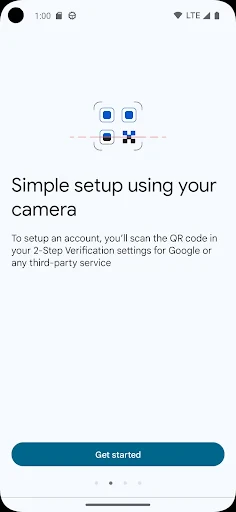
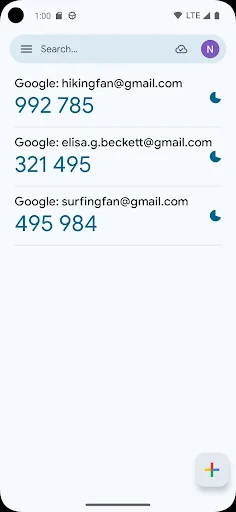
First things first, setting up Google Authenticator is a breeze. You download the app from the Play Store or the App Store, and boom, you're halfway there. Once installed, the app greets you with a simple interface that's easy to navigate. You just need to scan a QR code from your online accounts, and you're good to go. It's that simple! I was pleasantly surprised at how quickly it integrated with my accounts.
Security and Usability
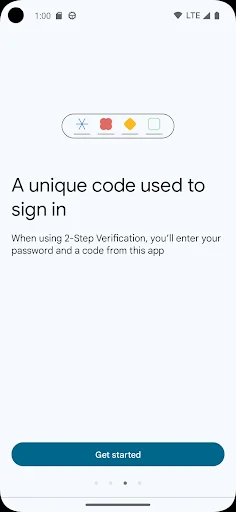
Now, let's talk about security. Google Authenticator generates a time-based code that you need to enter along with your password. This means even if someone gets hold of your password, they can't access your account without this code. It's like having a bouncer at the door of your digital nightclub! The codes refresh every 30 seconds, so it's pretty secure. However, make sure not to lose your phone because if you do, regaining access to your accounts can be a bit of a hassle.
Usability-wise, Google Authenticator keeps things straightforward. The app doesn't bombard you with unnecessary features; it sticks to what it's meant to do, and it does it well. I appreciate that it's not trying to be something it's not. It's lightweight, quick, and does exactly what you need it to do without any fluff.
Compatibility and Features
One thing I love about Google Authenticator is its compatibility. It works with a wide range of services and websites, from Google accounts to social media and even some investment platforms. If you're into tech and use various services, you'll find this app incredibly handy. Plus, it doesn't require an internet connection to generate codes, which is a huge plus if you're traveling or in an area with spotty Wi-Fi.
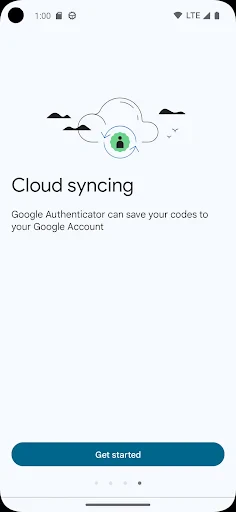
However, there's one thing to keep in mind – Google Authenticator doesn't offer a backup or sync feature. So, if you switch phones, you'll need to set it up all over again. It's a minor inconvenience, but one that can be managed with a bit of planning.
Final Thoughts
All in all, Google Authenticator is a solid choice for anyone looking to beef up their online security. It's user-friendly, efficient, and reliable. While it might lack some bells and whistles like backup options, it's straightforward and gets the job done. If you're looking for peace of mind in your online dealings, Google Authenticator is definitely worth considering. It's like having a trusty sidekick that makes sure your accounts are safe and sound.
So, if you haven't already, give Google Authenticator a try. Your future self will thank you for it, especially when you realize just how vulnerable your accounts were without it. Stay safe out there in the digital world!
- Developer
- Google LLC
- Version
- Varies With Device
- Installs
- 100,000,000+
- Android Version
- Varies With Device
- Content Rating
- Everyone
- Price
- Free
- Easy to set up and use.
- Works offline without internet.
- Supports multiple accounts.
- Strong security features.
- Free with no ads.
- No backup for lost keys.
- Can't sync across devices.
- No biometric lock option.
- Limited to one device.
- Basic interface design.


