
GeForce NOW Cloud Gaming
Ever found yourself yearning to play your favorite PC games on the go, but your laptop’s graphics card just won't cut it? Well, you’re not alone, my friend. That’s where GeForce NOW steps in to save the day. This cloud gaming service from NVIDIA is like having a supercharged gaming rig in your pocket, and let me tell you, it’s a game-changer—literally!
Setup and Accessibility
Getting started with GeForce NOW is a breeze. You simply download the app, create an account, and voilà, your gaming adventure begins! The app is available on both Android and iOS, and I’ve got to say, it feels pretty slick. Navigating through the interface is intuitive, and even if you’re not the most tech-savvy person out there, you’ll find your way around pretty quickly.
Gaming Experience
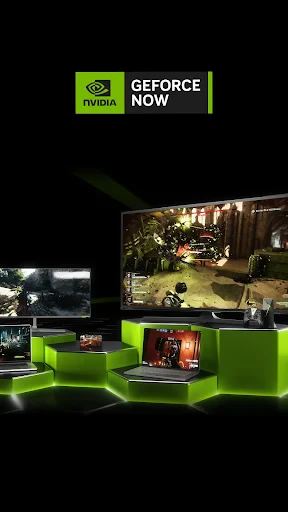
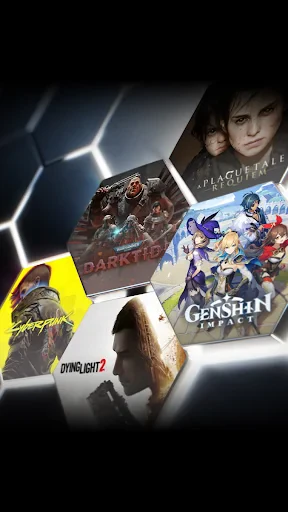
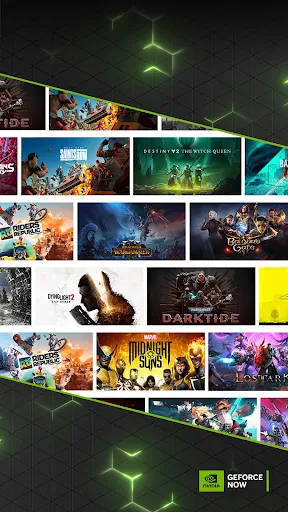
Now, let’s talk about the real meat of this app—the gaming experience. With GeForce NOW, you can stream your library of PC games from platforms like Steam, Epic Games, and more. The best part? You don’t need a high-end device. All the heavy lifting is done on NVIDIA’s powerful servers, so you can enjoy high-quality graphics and smooth gameplay without the need for an expensive gaming rig.
During my time using the app, I tried out a few different games, from fast-paced shooters to expansive RPGs. And let me tell you, the graphics were crisp, and the latency was impressively low. It felt as if I was playing on a local machine, which is quite the feat for cloud gaming. Of course, a stable internet connection is a must, but that’s a small price to pay for such a seamless experience.
Unique Features
One thing that truly sets GeForce NOW apart is its versatility. Whether you’re playing on a smartphone, tablet, or even a humble Chromebook, you get access to the same library and performance. Plus, the app supports controllers, so if you’re like me and prefer the feel of a gamepad over touch controls, you’re in luck!
Another cool feature is the ability to sync your game progress across devices. So, you can start a gaming session on your PC and pick up right where you left off on your mobile device. It’s perfect for those of us who like to game on the go without compromising on progress.
Final Thoughts
In a world where gaming is becoming increasingly mobile, GeForce NOW is a breath of fresh air. It breaks down the barriers of traditional gaming setups and gives everyone a chance to experience high-quality gaming without the hefty price tag. Whether you’re a casual gamer or a hardcore enthusiast, there’s something here for everyone.
If you haven’t tried it yet, I highly suggest giving GeForce NOW a spin. It’s like having a high-end gaming PC in your pocket, ready to go whenever and wherever you are. Just make sure you have a solid internet connection, and you’re all set for endless hours of gaming fun.

- Developer
- NVIDIA
- Version
- Varies With Device
- Installs
- 10,000,000+
- Android Version
- Varies With Device
- Content Rating
- Teen
- Price
- Free
- High-quality graphics and performance.
- No need for expensive hardware.
- Wide range of supported devices.
- Frequent updates and improvements.
- Access to a large game library.
- Requires a stable internet connection.
- Subscription required for full features.
- Limited availability in some regions.
- Occasional input lag.
- Some games may not be supported.